

Blog
What Is Print Resolution and Why Does It Matter

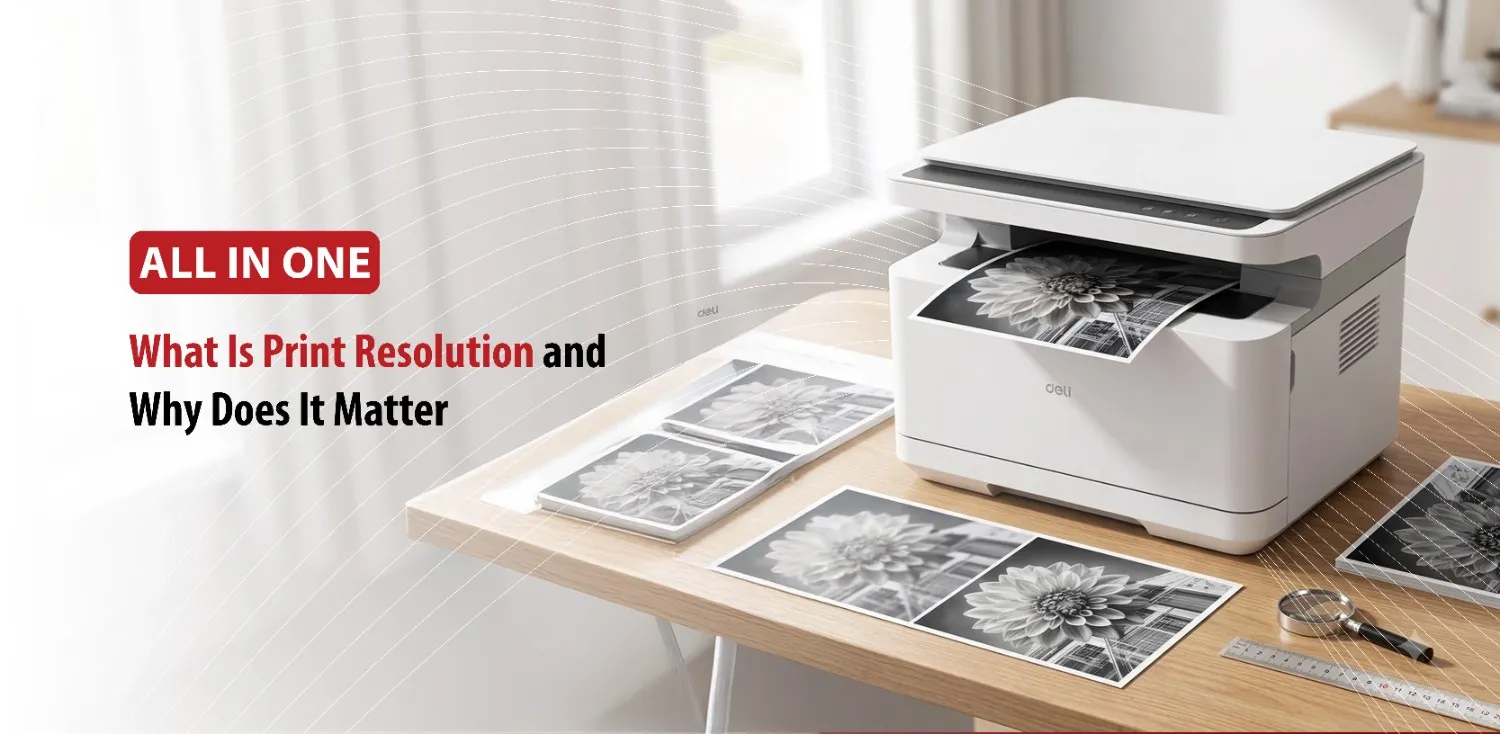
Print quality is one of the most important factors that people consider when buying or using a printer. While many users seem to focus on printing speed, connectivity features, or ink costs, print resolution plays a major role in determining how professional and detailed the final output will look. Print quality can be defined as the amount of detail a printer can reproduce on paper.
Resolution can affect everything from document clarity to photo quality. It affects the sharpness of the text, the clarity of images, and the overall print quality of every print job.
By understanding how print resolution works and when higher settings are beneficial, you can make better decisions when choosing a printer or adjusting the settings.
What Is a Print Resolution?
Print resolution is a measurement of how many tiny dots a printer can place on a piece of paper within a specific area. These dots come together to create text, graphics, and images. The more dots a printer can place in a given space, the greater the level of detail it can produce.
What Does DPI Mean?
Print resolution is typically measured in DPI, which stands for “Dots Per Inch”. DPI indicates how many individual dots the printer can print within one inch of space. Common printer resolutions include 300 DPI, 600 DPI, and 1200 DPI, although some professional printers can achieve even higher resolutions.
To understand this concept, imagine drawing an image using only small dots. If you use a few dots, the image may appear rough or uneven. If you use thousands of tiny dots packed closely together, the image becomes smoother and more detailed. Printers work in a similar way.
Modern inkjet and laser printers use extremely small dots that are often invisible to the naked eye. These dots blend together to create crisp text, smooth graphics, and detailed photographs. As resolution increases, the printer can reproduce finer details and create more accurate representations of the original document or image.
Understanding DPI helps users compare printer capabilities and choose settings that match their printing needs.
Once you understand what resolution is, the next step is learning how it directly affects the quality of printed materials.
How Print Resolution Affects Print Quality
Print resolution has a direct impact on how sharp and professional printed materials appear. One of the most noticeable effects is text clarity. Higher resolution printing produces cleaner letter edges and smoother fonts, making documents easier to read and more visually appealing.
Graphics and illustrations also benefit from increased resolution. Charts, diagrams, and logos appear sharper, while lines and shapes look smoother and more refined. This can be particularly important for business reports, presentations, and marketing materials where professional appearance matters.
Photo printing is where print resolution often makes the biggest difference. High resolution printing can capture subtle color transitions, fine textures, and small details that might be lost at lower settings. Facial features, landscapes, and detailed photographs generally appear more realistic when printed at higher resolutions.
Low resolution printing may lead to visible imperfections such as jagged edges, grainy images, or blurry details. While these issues may not be noticeable in simple text documents, they can significantly affect the appearance of photographs and graphic heavy materials.
For example, 300 DPI is typically suitable for everyday use, while 600 DPI provides noticeably sharper results for professional documents. A resolution of 1200 DPI or higher is often preferred for photo printing and projects where maximum detail is required.
The ideal resolution ultimately depends on the intended use of the printed material.
Although high resolution can improve print quality, it is not always necessary for every printing task.
Choosing the Right Print Resolution for Different Needs
Not every print job requires the highest available resolution. Selecting the appropriate setting can help balance print quality, speed, and operating costs.
For everyday documents such as emails, homework assignments, invoices, and internal office paperwork, a resolution of 300 DPI to 600 DPI is usually more than adequate. Text remains clear and readable without unnecessarily increasing printing time.
Business documents intended for clients or presentations often benefit from higher print quality settings. Brochures, flyers, proposals, and promotional materials typically look more professional when printed at 600 DPI or higher. The additional detail helps create a polished appearance that reflects positively on a business or organization.
Photo printing generally requires the highest resolution settings. Images contain far more detail than text documents, and higher DPI levels help preserve color accuracy, smooth gradients, and fine image details. Many users choose 1200 DPI or higher when printing photographs at home.
However, high resolution printing also comes with trade offs. Printing at maximum DPI can increase processing time, consume more ink or toner, and result in larger print files. For routine printing tasks, these additional resources may not provide a noticeable improvement in quality.
The most practical approach is to choose a resolution that matches the purpose of the print job. This allows users to achieve excellent results without sacrificing efficiency.
Many people assume higher resolution automatically guarantees better results, but several common myths can lead to confusion.
Common Misconceptions About Print Resolution
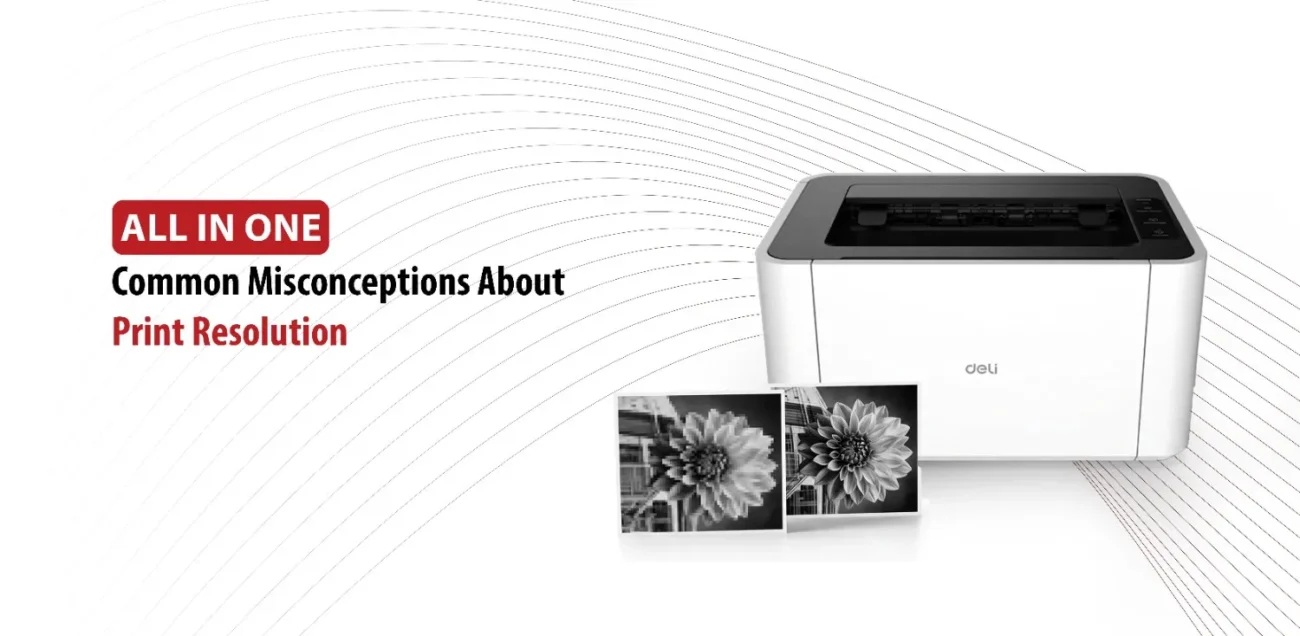
One common misconception is that higher DPI always produces dramatically better prints. While increasing resolution can improve quality, the differences become less noticeable beyond certain levels, especially for standard text documents.
Another misunderstanding is that a printer can improve a low quality image simply by using a higher resolution setting. In reality, a printer cannot create detail that doesn’t exist in the original file. If an image is blurry, pixelated, or low resolution, printing it at 1200 DPI will not magically make it sharp.
Some users also believe that print resolution is the only factor affecting print quality. In practice, several other elements play important roles. Paper quality, printer technology, ink or toner performance, and the quality of the original image all influence the final result.
For example, a high resolution printer paired with poor quality paper may still produce disappointing results. Likewise, a high quality photo file printed on suitable photo paper can often outperform a low quality image printed at the highest DPI setting.
Understanding these factors help users make better printing decisions and avoid unrealistic expectations.
Conclusion
Print resolution is one of the key factors that determine how detailed and professional printed materials will appear. Measured in DPI, it reflects the number of dots a printer can place within one inch of space, directly affecting text sharpness, image clarity, and overall print quality.
While higher resolutions can improve results for photographs and professional materials, they are not always necessary for everyday printing tasks. Choosing the right resolution based on the purpose of the print job can help balance quality, speed, and printing costs. By understanding how print resolution works, users can achieve better results and get the most value from their printer.