

Blog
Why Is My Printer Making Noise and How to Fix It

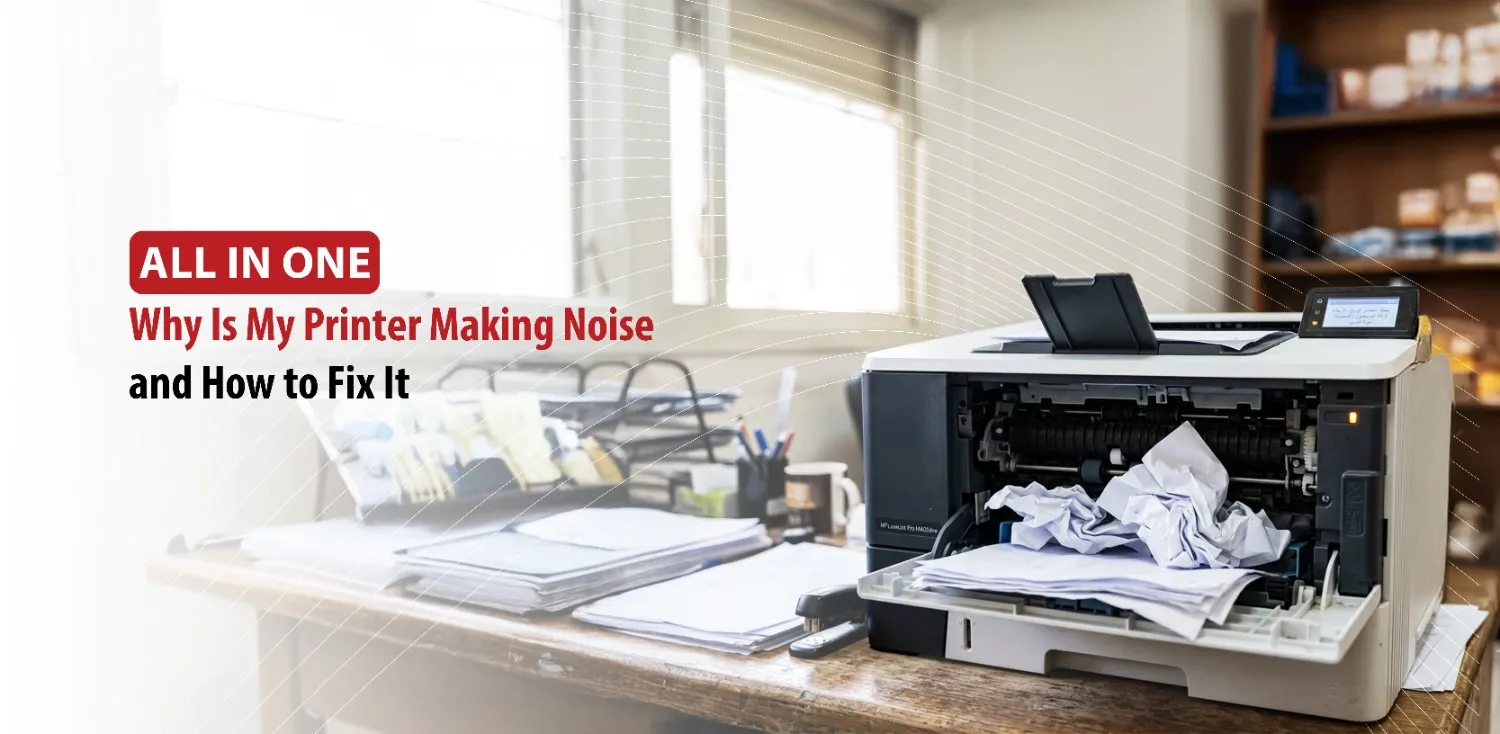
It is normal for printers to make noise while operating, but what requires attention is the unusual noises that indicate that there might be a problem. Noises such as grinding, clicking, squeaking, or rattling can have different causes, ranging from simple paper jams to worn mechanical components. Understanding the source of the noise can help users fix minor issues themselves and avoid costly repairs.
In this article, we will help you identify common printer noises, understand their causes, and learn practical solutions.
First off, understanding different types of printer noises.
Understanding Different Types of Printer Noises
Not every sound produced from a printer is considered a malfunction, because a printer relies on many moving parts such as rollers, motors, gears, and printheads that naturally make noise while operating.
If one of these components is not functioning properly, the printer will start producing unusual sounds that indicate a specific issue.
Common Noises and Their Meanings
Different sounds refer to different problems. Grinding sounds can suggest worn gears or excessive friction between moving parts. Clicking sounds may indicate an obstruction inside the printer or a component struggling to move correctly.
Squeaking noises are frequently linked to dirty or aging rollers, while buzzing or humming noises may be associated with the printer’s motor. Although humming is normal, unusually loud buzzing can signal that a component is under strain.
Why Identifying the Sound Matters
Identifying the type of noise can make troubleshooting so much easier. A squeak usually requires a different solution than a grinding sound. By paying attention to when the noise occurs and what it sounds like, you can narrow down the cause and address the problem before it becomes more serious.
Before assuming a mechanical failure, it is important to check for one of the most common causes of printer noise: paper jams and obstructions.
Check for Paper Jams and Obstructions
Inspect the Paper Path
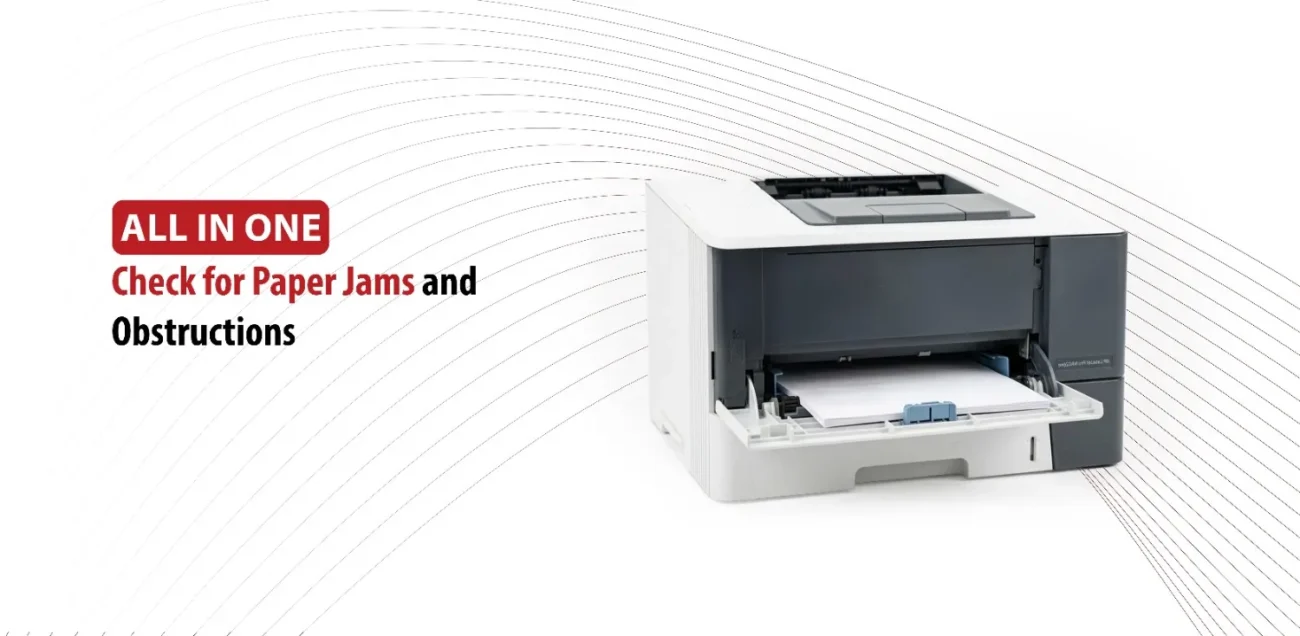
One of the most common causes of printer noise is a paper jam. Even after a jam appears to be cleared, small pieces of torn paper can remain hidden inside the printer. These scraps can interfere with the rollers and moving parts, creating clicking or grinding sounds during printing.
Carefully inspect the paper path, including input tray, output tray, rear access panel, and any accessible internal areas. Removing hidden paper fragments can often eliminate the noise immediately.
Look for Foreign Objects
Printers sometimes collect unexpected objects. Paper clips, staples, labels, packaging materials, and even excessive dust can become trapped inside the machine. These obstructions may interfere with gears, rollers, or sensors and cause unusual noises.
Rattling and repetitive clicking sounds are associated with foreign objects moving around inside the printer. A thorough inspection can help identify and remove anything that doesn’t belong there.
Remove Obstructions Safely
Before inspecting your printer, turn it off and unplug it. This protects both you and the printer’s internal components. If you find stuck paper, remove it slowly and carefully to avoid tearing it into smaller pieces.
Always follow the manufacturer’s instructions when opening access panels or removing internal components.
Why This Is the First Thing to Check
Paper jams and debris are among the easiest printer problems to fix. Because they are so common, they should always be checked before assuming there is a major technical failure. In many cases removing an obstruction restores normal operation immediately.
If no paper jams or foreign objects are found, the next step is to examine the printer’s moving components.
Inspect Rollers, Cartridges, and Internal Components
Worn or Dirty Paper Rollers
Paper rollers are responsible for pulling sheets through the printer. Over time, dust, paper fibers, and general wear can reduce their effectiveness. Dirty rollers may squeak, slip, or struggle to feed paper correctly.
Cleaning rollers according to the manufacturer’s recommendations can improve paper handling and reduce unwanted noise.
Cartridge and Printhead Issues
Improperly installed ink or toner cartridges can sometimes create unusual sounds during operation. Likewise, the printhead must move smoothly across the page. If its movement becomes restricted, clicking or grinding may occur.
Checking that cartridges are properly installed and ensuring the printhead path is free from obstructions can help resolve these issues.
Internal Gears and Moving Mechanisms
Gears play an important role in coordinating paper movements and printer functions. If a gear becomes worn, cracked, or misaligned, it can create repetitive grinding or knocking sounds.
Unlike simple paper jams, gear related problems often worsen over time. If the noise continues despite cleaning and basic maintenance, internal mechanical components may require repair.
Regular Maintenance Tips
Regular maintenance helps prevent many common printer problems. Keep the printer clean, use compatible paper and supplies, avoid overloading trays, and follow the maintenance schedule recommended by the printer’s manufacturer. These simple steps can help reduce the wear and extend the life of the printer.
While many printer noises can be solved through maintenance, some situations require professional attention.
When Professional Repair or Replacement Is the Best Option
Signs of a Serious Mechanical Problem
Some noises indicate problems that go beyond routine maintenance. Loud grinding sounds, repeated paper jams, persistent clicking during every print job, and printer errors combined with unusual noises may all suggest mechanical failure.
Repair Versus Replacement
When deciding whether to repair a printer or replace it, consider its age and condition. If repair costs approach the price of a new printer, replacement may be the most practical option. Older printers with multiple issues are often less cost effective to repair.
Preventing Future Noise Problems
Preventive maintenance is the best way to avoid printer noise. Clean the printer regularly, store paper in a dry environment, replace worn consumables when needed, and address minor issues before they become larger problems.
Conclusion
A noisy printer doesn’t always mean a major breakdown is about to happen, but it should never be ignored. Unusual sounds usually provide valuable clues about maintenance needs or developing mechanical issues. By identifying the type of noise, checking for paper jams, inspecting rollers and cartridges, and maintaining internal components, you can solve many common printer problems yourself.
Regular maintenance not only reduces noise but also improves print quality, reliability, and the overall lifespan of your printer. Taking action early can help keep your device running smoothly and prevent small issues from becoming expensive repairs.