

Blog
What Is a Toner Cartridge and How Does It Work?

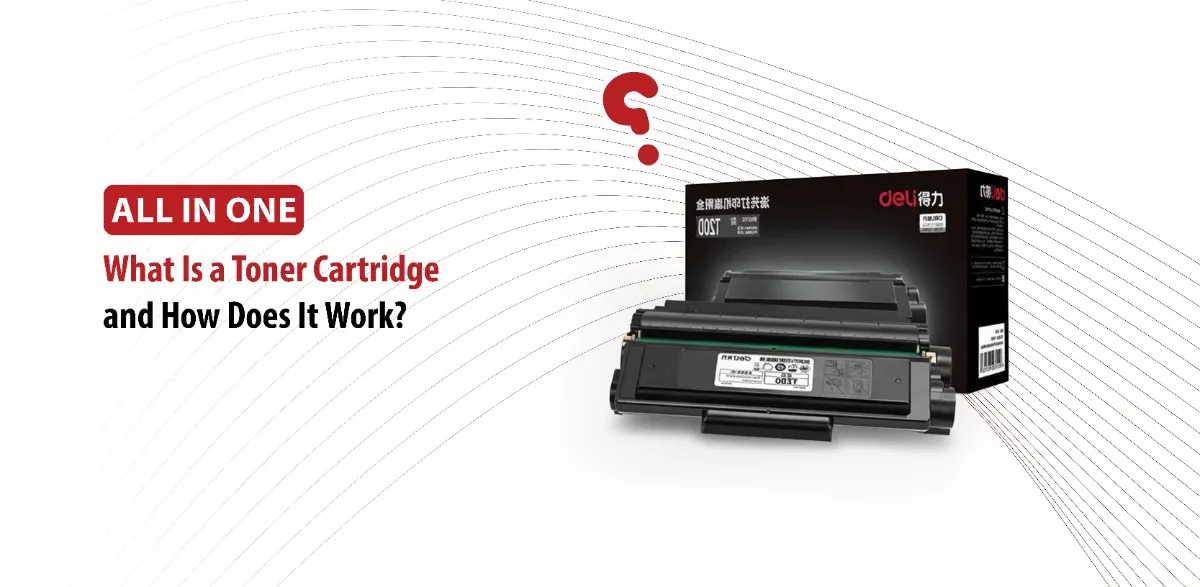
Whether you’re printing business contracts, assignments, or everyday documents, the quality of your print depends on one main thing: the toner cartridge. Toner cartridges, found in laser printers, play an important role in producing sharp, professional looking pages quickly and efficiently.
Many people are familiar with ink cartridges that are used in inkjet printers, but understanding what a toner cartridge is and how it works can help you choose the right printer, save money, and maintain consistent print quality.
What Is a Toner Cartridge
A toner cartridge is a replaceable component used in laser printers. It holds a fine, dry powder called toner, which is melted and fused onto paper using heat, creating the text and images you see on the printed page.
Ink cartridges contain liquid ink, however toner cartridges use a fine powder made up of plastic particles, carbon, and coloring agents. This printer allows the production of crisp text, fast printing speeds, and high volume output.
Because toner is made of a dry powder, it doesn’t dry out over time like liquid ink, making it ideal for people who don’t print regularly.
Toner Cartridge vs. Ink Cartridge
Even though both cartridges work for the same purposes, they function very differently.
Ink cartridges contain liquid ink and are commonly used in inkjet printers. On the other hand, toner cartridges contain powder and are made for laser printers.
Laser printers generally offer:
- Higher page yield.
- Faster printing speeds.
- Lower printing cost per page.
- Sharper text quality.
Inkjet printers may work better for detailed photo printing, but laser printers are the better option when it comes to high volume printing and office documents.
Main Parts of a Toner Cartridge
A toner cartridge contains several parts that help transfer toner onto paper.
They include:
- Toner reservoir: Stores the toner powder.
- Drum unit: Creates the image that is going to be printed.
- Developer roller: Moves toner from the cartridge to the drum.
- Wiper blade: Cleans excess toner from the drum after each print.
- Smart chip: Communicates directly with the printer.
Together these parts make sure printing is consistent and smooth.
How Does a Toner Cartridge Work in a Laser Printer?
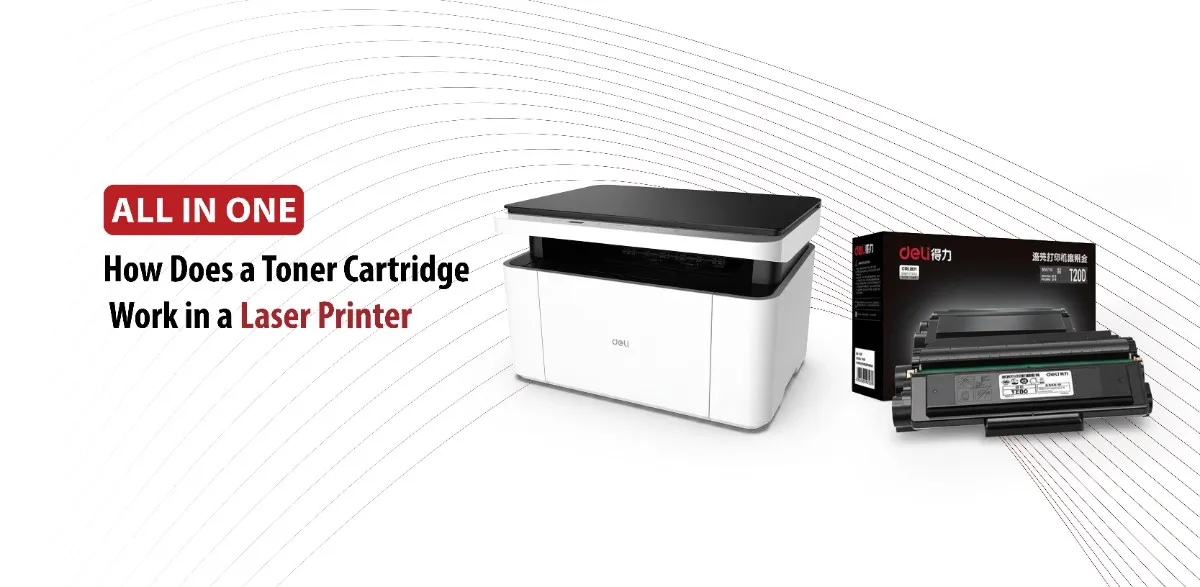
The printing process of laser printers may be a little complicated. A laser printer creates images and text using static electricity, toner powder, and heat to create printed pages.
The Printer Receives the Print Command
When you click “print”, your device sends a digital file to the printer. The printer’s internal memory converts this information into a format that can be reproduced on paper.
The Drum Creates an Electrostatic Image
Inside the printer is a drum that receives electrical charge. A laser beam then selectively alters certain areas of the drum, creating an invisible electrostatic image that matches the content being printed.
This pattern acts like a blueprint for the final page.
Toner Powder Is Applied to the Drum
The toner cartridge supplies toner powder to the developer roller.
Because toner particles carry an electrical charge, they are attracted to the charged areas on the drum while avoiding the uncharged sections.
As a result, toner only sticks where text or images need to appear.
Toner Transfers to the Paper
After that, a sheet of paper passes between rollers inside the printer. The paper receives an electrical charge that attracts toner away from the drum and onto its surface.
At this point, the toner is resting loosely on the paper and can still be wiped away.
Heat and Pressure Fuse the Toner
The final stage takes place in the printer’s fuser unit.
The paper passes through heated rollers that apply both heat and pressure. The plastic particles within the toner melt and bond permanently to the paper.
This process creates durable prints that resist smudging and fading.
Benefits of Using Toner Cartridges
Toner cartridges have several advantages that make them the popular choice for both home users and businesses.
High Page Yield
One of the most important benefits of toner cartridges is their ability to print a large number of pages before needing replacement.
Many toner cartridges can produce thousands of pages, making them ideal for users who print frequently.
Faster Printing Speeds
Laser Printers are designed for efficiency.
Unlike inkjet printers, which apply liquid ink line by line, laser printers can process and print documents faster, helping users save time.
Lower Cost per Page
Although toner cartridges often have a high cost upfront, they print more pages than ink cartridges.
Over time, this can reduce the overall cost of printing, especially in busy offices with high printing needs.
Excellent Text Quality
The fine powder used in toner cartridges is fused to the paper by heat, producing sharp text and precise lines that are perfect for professional documents.
Longer Shelf Life
Since toner is powder it can remain unused for longer times without drying.
This makes a toner cartridge the better option for people who print occasionally and still have reliable performance when needed.
How to Maintain and Replace a Toner Cartridge
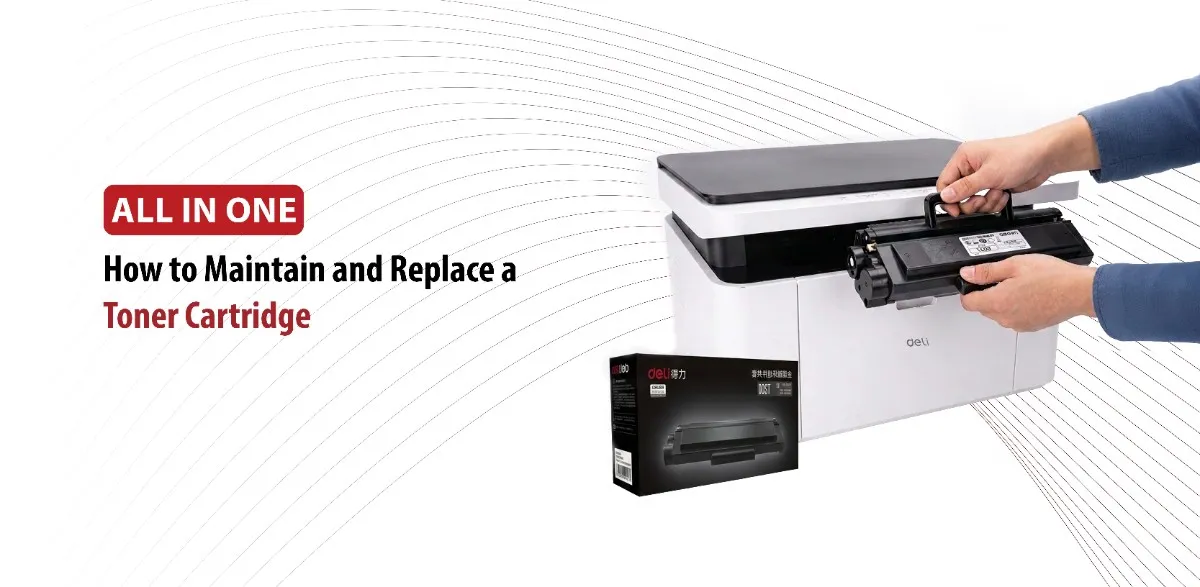
Proper maintenance helps ensure print quality and extends the life of both the cartridge and the printer.
Signs your Toner Cartridge Needs Replacing
Several signs can suggest that your toner cartridge is running low:
- Faded text or images.
- Streaks across printed pages.
- Uneven print density.
- Missing sections in the text.
- Toner warning messages from the printer.
If the problems are still there after troubleshooting, replacing the cartridge is usually the best solution.
How to Replace a Toner Cartridge
Most toner cartridges can be replaced in a few minutes.
These are the typical steps:
- Prepare the Printer: Ensure your printer is powered on and open the access door/cover.
- Remove the Old Cartridge: Locate the empty cartridge and pull it slowly out of its slot. Be careful not to spill any residual toner.
- Prepare the New Cartridge: Unpack the new cartridge. Keeping it horizontal, gently shake or rock it end to end 5 to 6 times to distribute the toner evenly.
- Remove Protective Covers: Pull off any orange isolation clips, protective caps, or sealing tapes as shown in your manufacturer’s instructions. Avoid touching the shiny roller or metal chip.
- Install: Slide the new cartridge into the corresponding slot or drum unit until it locks firmly into place. Close the printer cover.
Make sure to always follow the instructions provided for your specific printer model.
Conclusion
A toner cartridge is the main part of every laser printer, supplying the toner powder that creates sharp and toner prints. Unlike ink cartridges, toner cartridges use a fine powder and advanced technology that delivers fast printing speeds, high page yields, and professional quality documents.
By understanding how toner cartridges work and how to maintain them, users can improve print quality, reduce operating costs, and extend the life of their printers.