

Blog
How to Print Double-Sided Save Paper and Look Professional

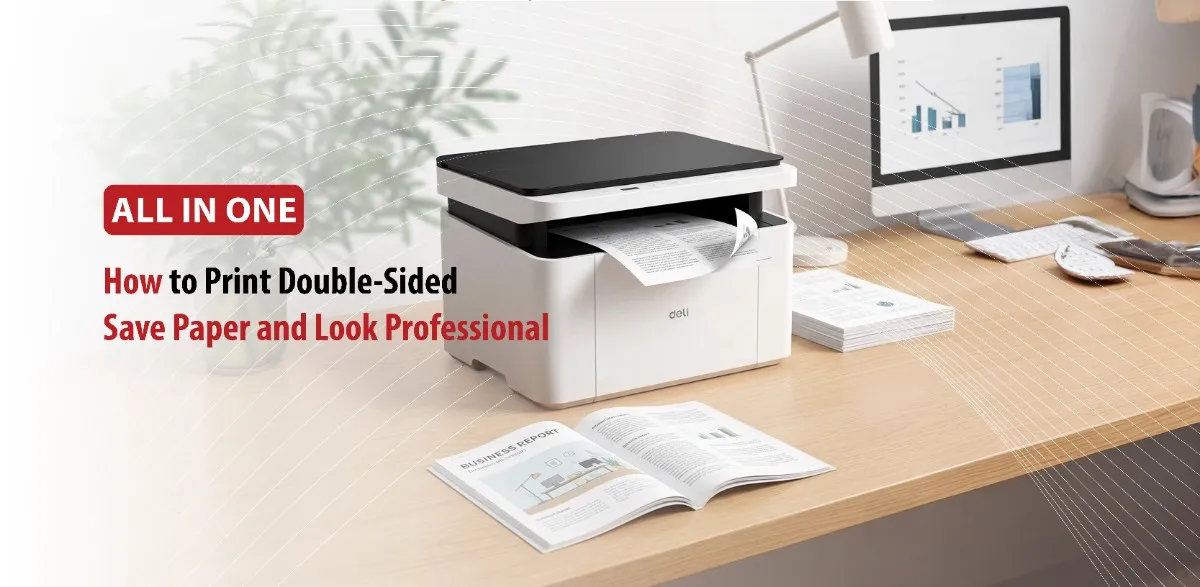
If you print frequently and you don’t know about double-sided (duplex) printing, you’re missing out. Double-sided printing is a simple feature that can reduce your paper consumption while making documents look more organized.
Duplex printing is widely used in homes, schools, and offices.
Double-sided printing has many benefits like saving money on paper, and creating a more professional look for reports, presentations, and business documents.
In this article, we will discuss everything from what is double-sided printing, benefits of double sided printing, to tips for creating professional double sided documents.
What Is Double-Sided Printing and Why Does It Matter?
Understanding Double-Sided (Duplex) Printing
Double-sided printing (duplex printing) is the process of printing on both sides of a single paper. This method cuts paper consumption and filing space in half while remaining an eco-friendly option.
Content is printed on both sides of a sheet either by manually flipping the paper or automatically using a mechanical mechanism inside the printer.
Single-sided printing (simplex) puts content on one side of a paper while double-printing (duplex) puts content on both sides of a paper effectively cutting paper usage in half.
Automatic vs. Manual Double-Sided Printing
Double-sided printing has two types: Automatic and Manual.
Automatic double-sided printing flips the paper inside the printer without user intervention, saving significant time and reducing paper usage by half.
How it Works
When a printer has a built-in duplexer, it can print double-sided. Once the first side is printed, the machine grabs the paper, pulls it back in, reverses it, and prints the second side before producing the finished sheet.
Manual duplexing requires you to stop, physically flip, and re-feed the printed stack of pages into the printer to print the second side.
How it Works
You print the document as usual. The printer stops after printing the first side of every page, and then you take the output stack and place it back into the paper tray so it can print on the blank reverse side.
Common Uses for Double-Sided Printing
Double-sided printing is widely used for marketing materials, business reports, educational flashcards, and creative crafts.
1- Professional and Business Documents
- Reports and Proposals: Multi page documents, contracts, and proposals look professional when bound together in a traditional book style layout.
- Brochures and Flyers: Uses both sides maximizes your promotional space, allowing you to highlight images, services, and contact information seemingly on a single sheet of cardstock.
- Business Cards: A clean double-sided layout frees up space, allowing you to keep a minimalist front while reserving the back for logos, social handles, or QR codes.
2- Marketing and Signage
- Display Systems and Banners: Large format double-sided textile printing is widely used in retail, exhibition stands, and pop-up banners to ensure messaging is visible from all angles.
- Rack Cards: Commonly seen in tourism hubs and hotels, maximizing space by putting images on one side and information on the back.
3- Education and Organization
- Flashcards: Ideal for language learning or magic notes, where a question is on the front and the answer is flipped on the back.
- Handbooks and Manuals: Thick instruction guides become much more compact, easier to handle, and cost effective to produce when printed duplex.
- Calendars: You can print a monthly grid on one side and a corresponding high quality image on the flip side.
Why More People Are Choosing Double-Sided Printing
People are increasingly choosing double-sided (duplex) printing because it instantly cuts paper consumption by half.
- Cost Efficiency: Using fewer sheets of paper directly translates to lower procurement costs for both home users and businesses. It also reduces shipping, disposal, and long term document storage expenses.
- Better Document Management: Multi-page documents are lighter, more compact, and less likely to get lost when bound or stapled together.
- Improved Productivity: With automatic duplex features, modern printers do the page-flipping for you. This means fewer paper tray refills and fewer interruptions during large print runs.
How to Print Double-Sided on Different Devices
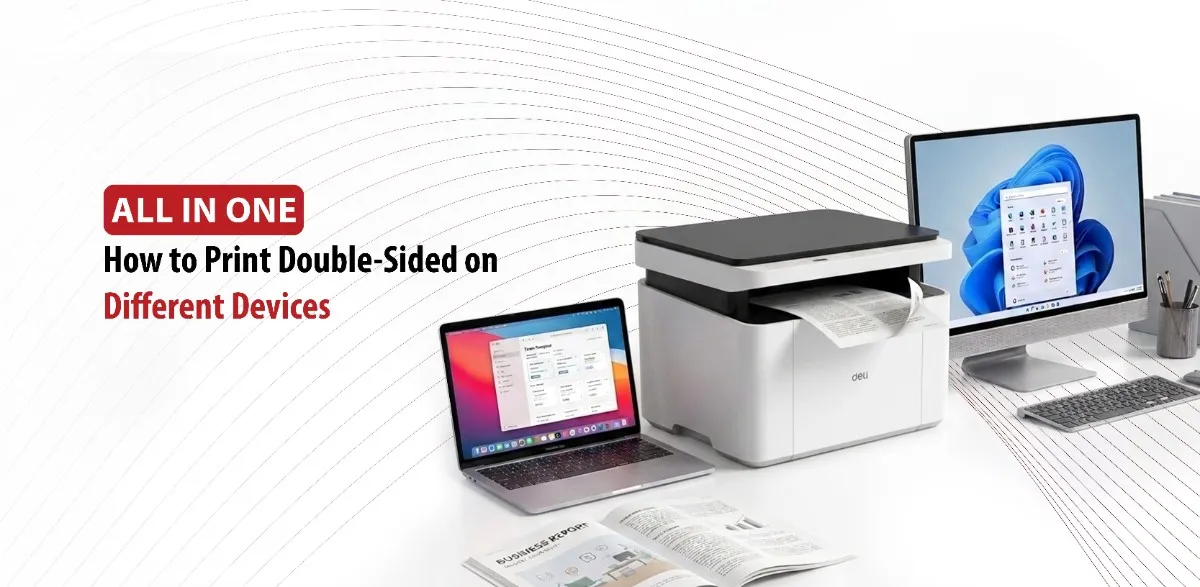
Before You Start
Before starting, check whether your printer supports automatic duplex printing. Verify paper type and paper side. Update your printer drivers if necessary.
How to Print Double-Sided on Windows
Windows users can typically enable double-sided printing through the print settings menu:
- Open the document you want to print.
- Select Print from the application menu.
- Choose your printer.
- Open Printer Properties or Preferences.
- Look for an option labeled Duplex Printing, Two-Sided Printing, or Print on Both Sides.
- Select the desired binding option.
- Click Print.
Printing Double-Sided on Mac
Mac users can usually enable duplex printing directly from the print dialog box:
- Open the document.
- Click File > Print.
- Locate the Two-Sided checkbox.
- Choose the preferred binding style.
- Start the print job.
Printing from Common Applications
Most applications support duplex printing through the standard print menu.
- Microsoft Word: Enable duplex printing in printer settings before printing.
- Microsoft Excel: Review page layout and scaling options to ensure spreadsheets print correctly on both sides.
- PDF Readers: Use the print dialog to activate double-sided printing.
- Google Docs: Access print settings and select double-sided printing if your printer supports it.
The Benefits of Printing Double-Sided Printing for Cost Savings and Sustainability
One of the biggest advantages of double-sided printing is reducing paper usage. Since each sheet holds twice as much content, paper consumption can decrease significantly, especially in offices that print large volumes of documents everyday.
Lower paper usage naturally leads to lower operating costs. Businesses spend less money purchasing paper.
Double-sided printing also reduces the physical space required for filing and archiving documents. Reports, manuals, and records occupy less shelf and cabinet space, making document management more efficient.
From an environmental perspective, duplex printing helps conserve natural resources. Reduced paper demand means fewer raw materials are required for paper production, while less waste ends up being discarded or recycled.
Tips for Creating Professional Double-Sided Documents
Printing on both sides can improve a document’s appearance, but a few tips will help ensure the final result looks polished and professional.
Choose the Correct Binding Style
Most printers offer two binding options:
- Long-edge binding is typically used for portrait-oriented documents and allows pages to flip like a book.
- Short-edge binding is often used for landscape documents and presentations.
Selecting the wrong binding option can cause pages to appear upside down when turned.
Select Quality Paper
Thin paper can sometimes allow text or images to show through from the opposite side. Choosing slightly heavier paper can improve readability and give documents a more premium feel.
Check Headers and Page Numbers
Page numbers help readers navigate longer documents. Consistent headers and footers contribute to a professional presentation and make the document easier to reference.
Always Review Print Preview
Before printing multiple copies, use the print preview feature to verify page orientation, formatting, images, and margins. A quick review can prevent costly mistakes and reduce wasted paper.
Know When Double-Sided Printing is Appropriate
Double-sided printing works exceptionally well for reports, proposals, manuals, and internal documents. However, certain forms, legal documents, or papers intended for handwritten notes may still be better suited to single-sided printing.
Conclusion
Double-sided printing is one of the easiest ways to reduce paper usage while improving the appearance of printed documents. Whether you’re working from home, studying, or managing office printing, using duplex printing can help lower costs, save storage space, and support more sustainable practices. By understanding your printer’s settings and following a few simple formatting guidelines, you can create professional-looking documents that are both efficient and environmentally responsible.