

Blog
How to Choose the Right Laser Printer for Your Office

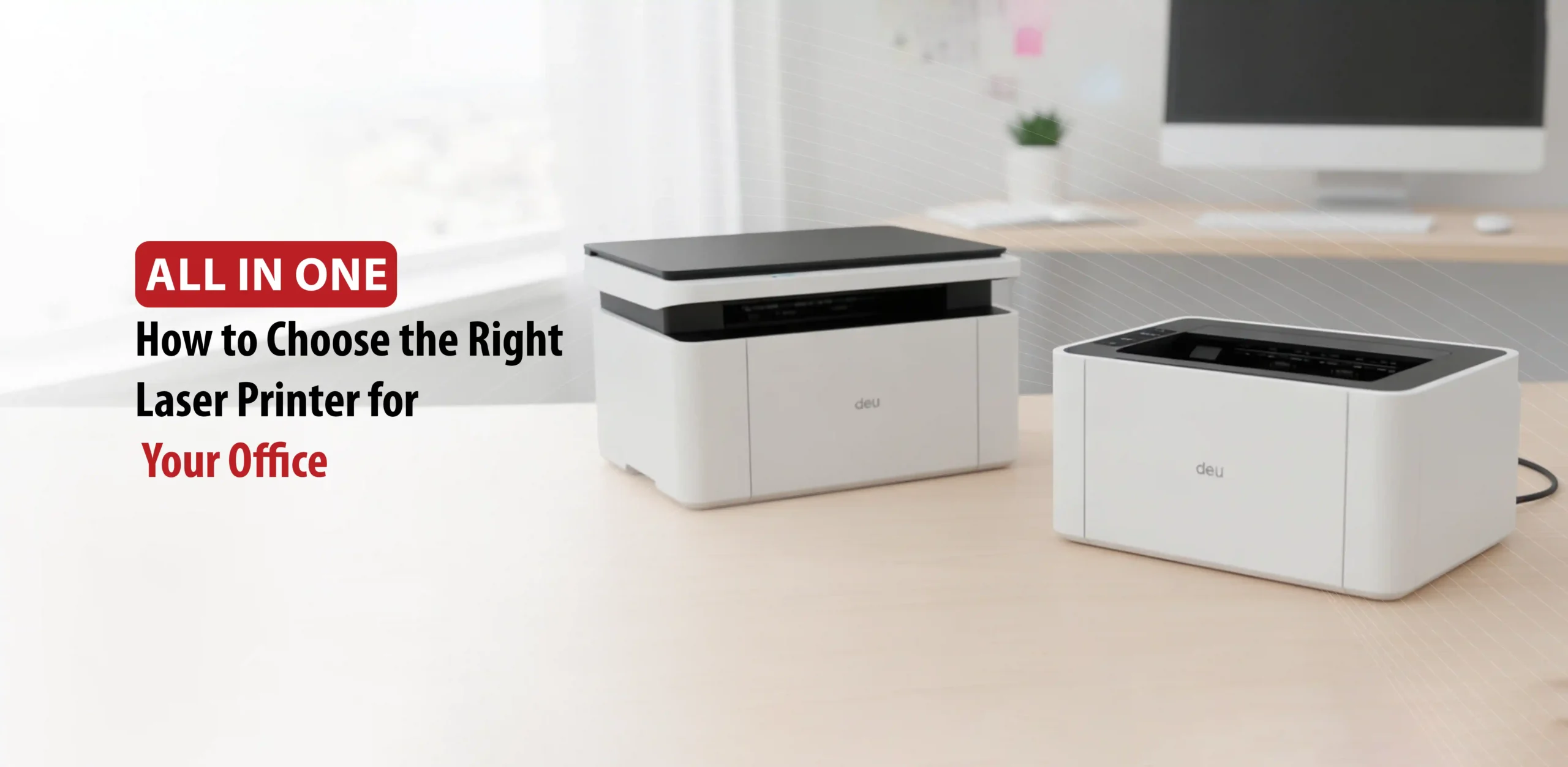
Choosing the right laser printer for your office is not as simple as it seems. Several factors come into play, from how much you print daily and how fast you need it done, to whether you need color or black-and-white printing, and the real total cost that goes well beyond the purchase price to include ink and maintenance over time. Understanding all these factors together is what separates a smart, long-term investment from a hasty decision that ends up costing you more than it saves.
Choosing the right laser printer depends on several factors:
- Print speed
- Text clarity
- Image quality
- Long-term ink costs
Here are the most important factors to consider:
Color vs. Monochrome Printing: A monochrome (black and white) laser printer is the most economical choice for text-heavy documents. On the other hand, color laser printers are ideal for producing high-quality professional materials, charts, and graphics.
Cost: Laser printers typically carry a higher upfront cost than inkjets, but their cost-per-page is significantly lower due to the long lifespan of toner cartridges. Therefore, it is highly recommended to invest in high-yield cartridges to further minimize long-term expenses.
Laser printers generally feature a higher initial purchase price compared to inkjets, but they prove more cost-effective over time because toner cartridges last much longer.
Print Speed and Volume: Speed is measured in Pages Per Minute (PPM) and is a crucial
factor for high-volume needs:
- Light Use: Under 1,000 pages per month – 20 to 30 PPM.
- Medium Use: 1,000 to 5,000 pages per month – 30 to 40 PPM.
- Heavy Use: Over 5,000 pages per month – 40+ PPM.
Multifunction vs. Single-Function: A multifunction (All-in-One) printer is your best bet if you need to scan, copy, or fax. However, if your only requirement is printing, a single-function printer is more than sufficient.
Duty Cycle: This refers to the maximum number of pages a printer can handle monthly. Make sure the “recommended monthly print volume” matches your actual needs to avoid premature wear and tear or hardware failure.
Connectivity: To meet the demands of a modern office, look for printers that support Wi-Fi, Ethernet, mobile printing (app compatibility), and USB connectivity.
Paper Handling: Check for automatic duplexing (double-sided printing) and paper tray capacity. A 250-sheet tray is the standard benchmark for typical office use.
Best Laser Printers for Offices
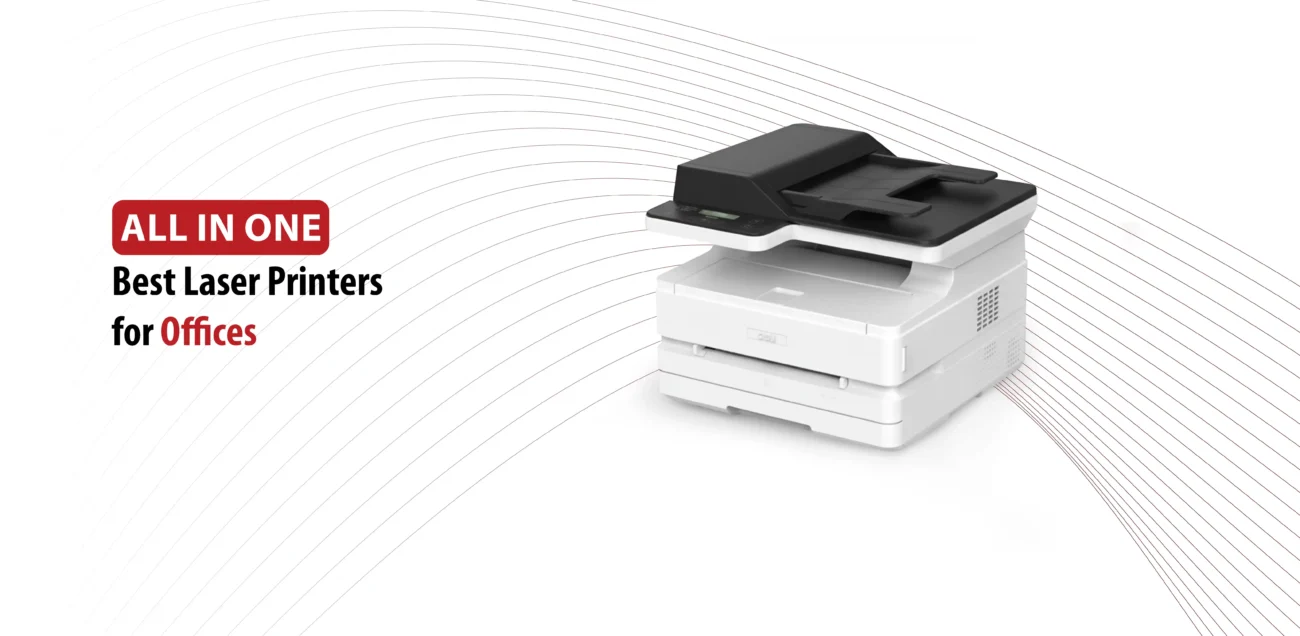
This year’s top-rated office laser printers share three core advantages:
- Speed.
- Low cost per page.
- Long-term reliability.
The Canon Color image CLASS MF656Cdw leads the pack as the ideal choice for small to medium-sized offices, perfectly balancing superior color print quality with a large, user-friendly touchscreen interface.
For high-volume color printing, the Brother MFC-L3780CDW is an excellent contender, delivering speeds of up to 31 pages per minute (PPM) alongside seamless cloud service integration.
Meanwhile, the Brother MFC-L5915DW is purpose-built for workplaces that rely heavily on monochrome printing, offering exceptional durability and low operating costs.
For smaller offices on a budget, the Brother HL-L3295CDW and Brother MFC-L2900DW XL provide highly economical solutions without compromising on performance.
Key Considerations When Choosing an Office Printer
Purchase price alone should never be the deciding factor when choosing an office printer. There are several operational variables that carry far more weight.
In terms of performance, a printing speed of 25 to 30 pages per minute (PPM) is considered the baseline for busy office environments.
Regarding functionality, multifunction printers (MFPs), which consolidate printing, scanning, copying, and faxing into a single device, have become the gold standard for boosting team productivity.
It is also crucial to pay attention to the monthly duty cycle, ensuring it aligns with your team’s actual print volume to avoid frequent breakdowns. As for connectivity, Ethernet and Wi-Fi are no longer enough in today’s hybrid work culture; seamless integration with cloud services like Google Drive and Dropbox has become an absolute necessity.
Finally, while high-yield toner cartridges come with a higher upfront cost, they significantly reduce the cost per page over time, making them a smart long-term investment.
Deli laser printers for your office
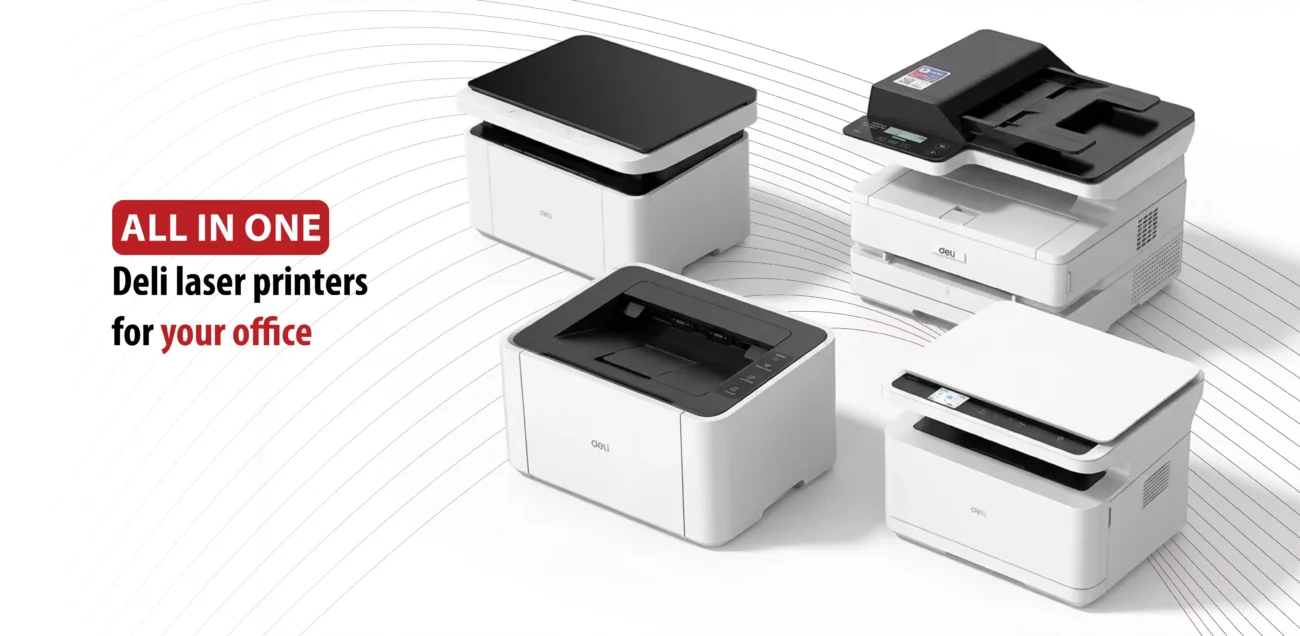
The best Deli laser printers for home use:
Deli M2000DNWs Monochrome Multi-Function Laser Printer
This printer offers a complete 3-in-1 solution (print, copy, and scan) designed for professional environments and growing businesses.
With a printing speed of 25 pages per minute, it outperforms standard home printers and handles large tasks efficiently.
It also supports automatic double-sided printing, which saves up to 50% on paper costs.
As the official agent in Egypt, All in One provides high-capacity toner cartridges that print up to 4,500 pages, along with original spare parts and expert technical support.
Key Features:
- High Speed and Precision: 25 pages per minute with a resolution of up to 1200 x 1200 dpi.
- Flatbed Scanner: High-resolution scanning for managing both paper and digital documents.
- Dual Connectivity: Includes LAN (Ethernet) and USB 2.0 ports to connect multiple workstations.
- Mobile Printing: Use the Deli Print App to manage printing from your phone (Android and iOS).
- Cost-Efficient: High-yield cartridges (up to 4,500 pages) reduce long-term costs.
The Verdict: The Deli M2000DNWs is a practical and reliable choice for small to medium offices that primarily need black-and-white printing. With official support and spare parts available in Egypt, you can count on consistent performance and service.
Deli M2500ADNW Monochrome Multi-Function Laser Printer
This printer is a professional 4-in-1 center (print, copy, scan, and automatic document feeding) designed to be the backbone of any productive office.
With a speed of 28 pages per minute, it handles the largest tasks with ease, while the Automatic Document Feeder (ADF) saves you from the trouble of manually feeding papers when copying or scanning multi-page documents.
As the official agent in Egypt, All in One ensures continuous workflow through high-capacity original cartridges and specialized technical support.
Key Features:
- High Speed: 28 pages per minute with a resolution of 1200 x 1200 dpi.
- Built-in ADF: Automatically scan and copy multi-page documents.
- Triple Connectivity: Wi-Fi, LAN, and USB for complete flexibility in the workspace.
- Automatic Double-Sided Printing: Saves both paper and time.
- 3,500-Page Cartridge: Reduces long-term operating costs.
The M2500ADNW is more advanced and suitable for medium to large offices, while the M2000DNWs remains a sufficient and economical choice for smaller offices.
Deli P1820W Monochrome Laser Printer
This printer offers a reliable solution for home offices and small businesses, combining a compact design with wireless performance without compromising print quality.
With a speed of 20 pages per minute, it handles reports, invoices, and contracts efficiently, while Wi-Fi and Bluetooth connectivity give you the freedom to print from any device without the restriction of cables.
As the official agent in Egypt, All in One provides original cartridges and continuous technical support.
Key Features:
- Reliable Speed: 20 pages per minute with a resolution of up to 1200 x 600 dpi.
- Flexible Connectivity: Wi-Fi, Bluetooth 4.2, and USB 2.0.
- Deli Print App: Manage printing from your phone (Android and iOS).
- 150-Sheet Paper Tray: Reduces work interruptions for reloading.
- 1,600-Page Cartridge: Keeps printing costs low.
This is the perfect choice if you are looking for a home or small office printer with a reasonable budget. However, it is not suitable for high-pressure offices due to its limited cartridge capacity and the absence of copying and scanning functions.
Deli M1820W Monochrome Laser Printer
The M1820W printer offers a complete 3-in-1 solution (print, scan, and copy) designed for small offices and homes. It combines fast performance and wireless connectivity in a compact design that does not take up much desk space.
With a speed of 20 pages per minute, it handles reports and invoices efficiently, while the wireless connection gives you the freedom to print from any device anywhere in the room.
As the official agent in Egypt, All in One guarantees the availability of original toner and continuous technical support.
Key Features:
- 3-in-1: Laser printing, high-resolution scanning, and fast copying.
- Advanced Connectivity: Wi-Fi 2.4GHz and Bluetooth 4.2 for a firm and stable connection.
- Deli App: Print and scan directly from your phone or cloud storage.
- 150-Sheet Tray: Reduces the need for frequent reloading.
- Plug and Play: Easy setup without technical complications.
Ultimately, there is no single printer that is perfect for everyone; there is only the perfect printer for your specific needs.
If you are looking for an affordable and compact solution for home use or a small office, the Deli M1820W or P1820W will get the job done efficiently.
However, if your work environment requires high-volume printing and more professional document management, the M2000DNWs and M2500ADNW provide the performance and reliability needed to keep up with daily workloads.
The common factor among all these models is that they belong to the Deli family, which balances quality with reasonable costs. They are backed by the official agency in Egypt through All in One, meaning you won’t be alone after your purchase. You will have a technical support team and a continuous supply of spare parts and original toner.
Choose wisely, and invest in the printer that serves your business today and grows with it tomorrow.