

Blog
DPI in Printing: Meaning, Importance, and Best Settings for Quality

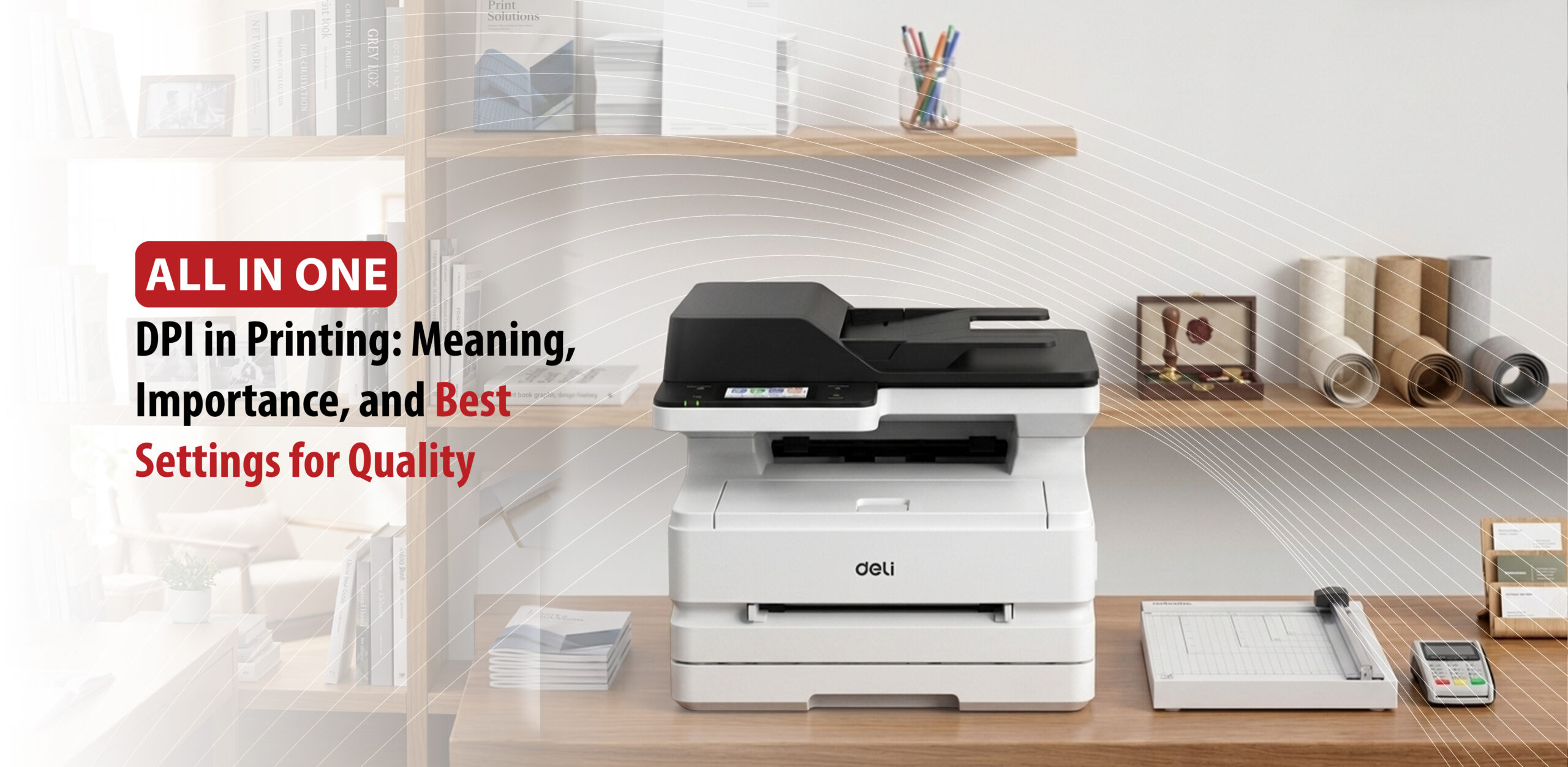
If you have ever wondered why some prints look sharp and professional while others look blurry and dull, the answer usually comes down to DPI in printing. Understanding what DPI means and how to use it correctly can make a significant difference in the quality of everything you print.
What is DPI in Printing? A Simple Explanation
DPI stands for Dots Per Inch. It measures how many individual ink dots a printer places within a single inch of space. The higher the DPI, the more densely packed those dots are, resulting in sharper, more detailed, and higher-quality prints.
How DPI Works
When you print an image, your printer recreates it using thousands of microscopic ink dots rather than continuous color. The density of those dots determines the final quality:
- High DPI (e.g., 300 DPI): Dots are packed so closely together that your eye blends them seamlessly, producing crisp lines and smooth, photo-realistic colors
- Low DPI (e.g., 72 DPI): Fewer dots are spread across the same space, resulting in a blurry or pixelated output
Common DPI Standards
- 300 DPI: The industry standard for photos, business cards, books, and magazines anything viewed up close
- 150–200 DPI: Suitable for large posters and banners, which are typically viewed from a distance
- 12–50 DPI: Used for billboards, where the viewing distance is too far for fine detail to matter
DPI vs PPI: What’s the Difference?
PPI and DPI are two terms that are often used interchangeably, but they refer to completely different things.
PPI (Pixels Per Inch) applies to digital screens and image files. It measures how densely packed the pixels are in a digital image. DPI (Dots Per Inch), on the other hand, belongs exclusively to the world of physical printing. It measures how many ink droplets a printer places on paper.
A simple rule: pixels are for screens, dots are for print.
Why Do People Confuse Them?
The confusion mostly comes from design software. Programs like Photoshop ask you to set your document “resolution” in pixels per inch but label it as DPI. When you send a 300 PPI file to print, the printer reads that digital data and uses its own DPI capability to recreate it on paper using ink dots.
How to Use Them Correctly
- For digital files: Focus on PPI. Use 72 PPI for web graphics and 300 PPI for anything intended for print
- For printing: Make sure your image file has enough pixel data to support at least 300 PPI at the final print size. The printer will then handle the ink application using its own DPI settings.
What is the Best DPI for Printing? Settings for Every Use Case
The industry standard for most printed materials is 300 DPI at the final print size. However, the best DPI for your project depends on one key factor: viewing distance. The closer someone will be to the printed piece, the higher the DPI needs to be.
Handheld & Close-Up Items (300+ DPI)
Items held directly in hand require sharp, crisp detail to look professional:
- Business cards, brochures, and flyers: 300 DPI
- Standard photo prints: 300 DPI
- Fine art prints and micro-text: 600–1200 DPI for intricate line art and tiny text
Medium Viewing Distance (150–300 DPI)
For items viewed from a short distance, a slightly lower DPI still delivers great results:
- Standard posters: 150–300 DPI. Aim for 300 if you want to allow close inspection, 150–200 is sufficient for a wall display
- Canvas prints: 150 DPI. The texture of the canvas naturally forgives lower resolution
- Menus and greeting cards: 300 DPI for the best visual appeal
Far Viewing Distance (30–100 DPI)
As viewing distance increases, the human eye can no longer perceive fine detail:
- Large outdoor banners: 72–100 DPI
- Billboards: 30–72 DPI
How to Calculate the Required Image Resolution
To achieve a specific DPI, your image file must have enough pixels. Use this simple formula:
Pixel Dimensions = Print Size (inches) x Desired DPI
For example, to print an 8 x 10 inch photo at 300 DPI, you need an image that is at least 2400 x 3000 pixels.
High DPI Printing: When Do You Really Need It?
For standard printing, 300 DPI delivers perfectly sharp, professional results for most everyday use cases. High DPI printing at 600 DPI or above is only necessary for specific projects that demand extreme detail or ultra-fine text.
When You Really Need High DPI (600+ DPI)
Push your printer to its highest DPI settings for these detail-heavy projects:
- Fine art and museum reproductions: When prints will be examined up close for exact brush strokes or color gradients
- Technical schematics and micro-text: Engineering drawings, small QR codes, or maps where tiny lines and numbers must stay perfectly legible
- Premium photographic prints: Close-up professional photos where you want to eliminate any visible dot pattern
When 300 DPI Is More Than Enough
For most commercial and everyday printing, pushing beyond 300 DPI only wastes ink and slows print times without adding any visible improvement:
- Brochures, flyers, and magazines
- Business cards and postcards
- Standard photo albums and photobooks
Viewing Distance and Lower DPI
Always match your DPI to how far viewers will stand from the final print:
- Indoor banners: 150–200 DPI is sufficient for items viewed from a few feet away
- Billboards and large outdoor signage: 10–50 DPI is the standard, as the human eye cannot resolve fine detail from hundreds of feet away
DPI in printing is not complicated once you know the basics. Use 300 DPI for close-up materials, scale down for large-format prints, and only go higher when your project truly demands it. Get the settings right from the start and your prints will speak for themselves.