

Blog
Best Printer for Business: Small, Medium & Large Office Guide

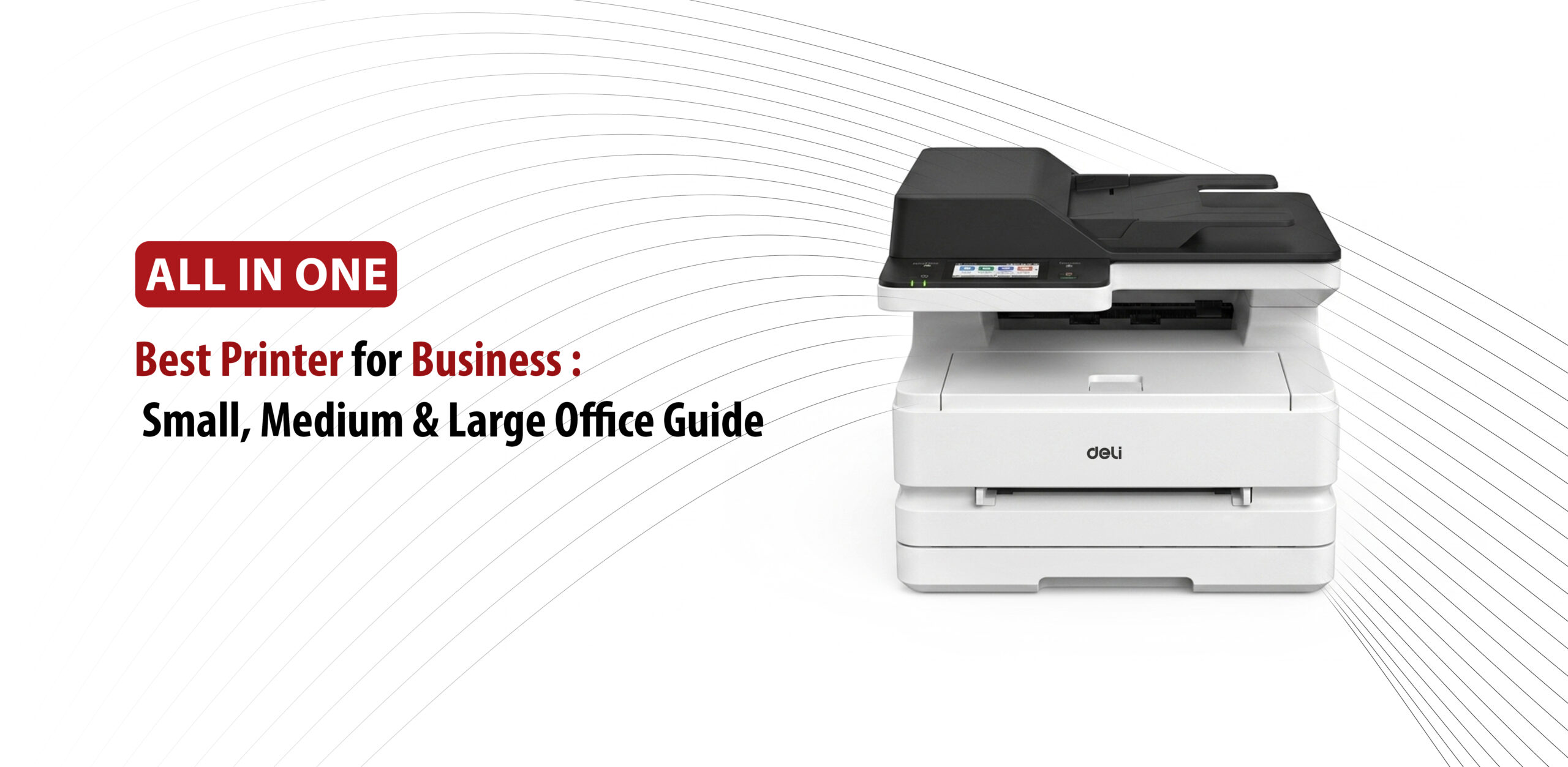
Finding the best printer for business use isn’t as straightforward as it sounds. With so many options on the market, choosing the wrong one can slow down your team, drain your budget, and create more problems than it solves.
Whether you’re running a small business from a single office, managing a growing mid-sized company, or overseeing printing needs across a large office, the right printer can make a real difference in your day-to-day operations.
In this guide, we’ll walk you through everything you need to know to find the best office printer for your business size, workload, and budget, so you can make a confident, informed decision.
What to Look for in the Best Office Printer Before You Buy
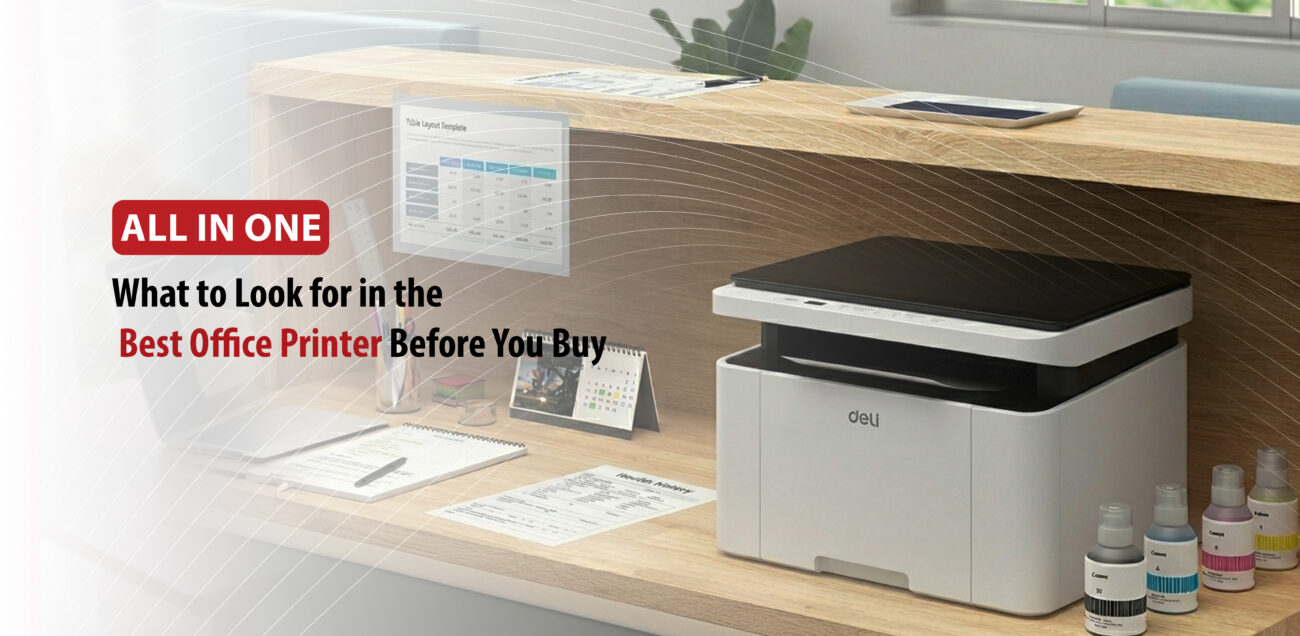
Picking the best office printer comes down to more than just the price tag. Here are the key factors to consider before you buy.
Print Technology and Volume
The type of printer you need depends on what and how much you print:
- Laser printers are the go-to choice for offices that print large volumes of black-and-white documents, offering fast speeds, sharp text, and toner that doesn’t dry out.
- Ink tank printers are a better fit for low-cost color printing, using refillable reservoirs that keep ongoing costs low.
- Inkjet printers work best when you occasionally need vibrant graphics or photos.
Duty Cycle and Page Yields
Always match the printer’s recommended monthly volume to your actual usage. Overworking a printer shortens its lifespan and increases maintenance costs. Also, look for models that support high-yield cartridges, since a higher page yield means a lower cost per page over time.
Multifunction Capabilities
If your office needs more than just printing, an all-in-one printer that handles scanning, copying, and faxing can save both space and money. For offices that regularly process multi-page documents, make sure the printer includes an Automatic Document Feeder (ADF).
Connectivity and Cloud Integration
A good business printer should connect easily to all your devices:
- Wi-Fi and Ethernet allow multiple team members to print from their workstations.
- Cloud printing features like Apple AirPrint, Mopria, and integrations with Google Drive, Dropbox, or OneDrive keep your workflow running smoothly.
Paper Handling and Automatic Duplexing
Choose a printer with a paper tray capacity that suits your office size so you’re not constantly refilling it. Automatic duplexing, which prints on both sides of the page, can also cut your paper consumption and costs significantly.
Security Features
If your business handles sensitive data, security isn’t optional. Look for features like secure print release, data encryption, and user authentication to protect confidential documents from the moment they leave your screen to the moment they come off the printer.
Total Cost of Ownership (TCO)
Don’t judge a printer by its sticker price alone. Calculate the Total Cost of Ownership by comparing ink or toner yields across different models. A cheaper printer can end up costing far more in the long run if its cartridges run out quickly.
Best Printer for Small, Medium, and Large Businesses
The best printer for your business depends on three things: your team size, how much you print each month, and whether color or speed is your bigger priority. Here’s a breakdown by business size to help you find the right fit.
Best Printer for Small Business (1–10 Users)
Small businesses need printers that are easy to manage, affordable to run, and reliable enough for everyday printing, scanning, and copying. Here are the top picks:
- Best Inkjet: Epson EcoTank Pro ET-5850. Uses refillable ink tanks instead of traditional cartridges, making it one of the most cost-effective options for vivid color printing. It also comes with a generous paper capacity and automatic double-sided scanning.
- Best Color Laser: Canon Color image CLASS MF665Cdw. Delivers crisp text and vibrant colors at fast print speeds, with a 5-inch touchscreen and built-in mobile printing support.
- Best Black & White Laser: Brother HL-L2460DW. A compact, budget-friendly option built for text-heavy workloads. It prints up to 34 pages per minute and includes a 250-sheet paper cassette to reduce mid-day refills.
Best Printer for Medium Business (10–30 Users)
Medium-sized teams need printers that can handle higher volumes, support multiple users across departments, and offer stronger security features. These two models stand out:
- Best Color Laser: HP Color LaserJet Pro MFP 4301fdw. Prints up to 35 pages per minute and comes with built-in HP Wolf Pro Security to protect sensitive business data. It’s designed to comfortably support teams of up to 15 users.
- Best Overall Heavy-Duty: Brother MFC-L8905CDW. Built for busy workgroups, this model features ultra-high-yield toner cartridges to keep replacement costs low, plus single-pass duplex scanning for faster document processing.
Best Printer for Large Business (30+ Users)
Large offices and enterprise environments require machines built for continuous, high-volume operation with centralized management and minimal downtime:
- Best Heavy-Duty Monochrome: HP LaserJet Enterprise M806x+. Built for nonstop operation with a monthly duty cycle of up to 300,000 pages. It prints at 55 pages per minute and comes with high-capacity input trays to keep things moving.
- Best Enterprise Option: Canon imageRUNNER ADVANCE or Ricoh (Lease). For large enterprises, leasing a floor-standing multifunction printer is often the smarter move. It gives your IT team centralized fleet management, badge-swipe job release, and on-site maintenance support without the heavy upfront cost.
Which Commercial Printer for Business Is Right for You?
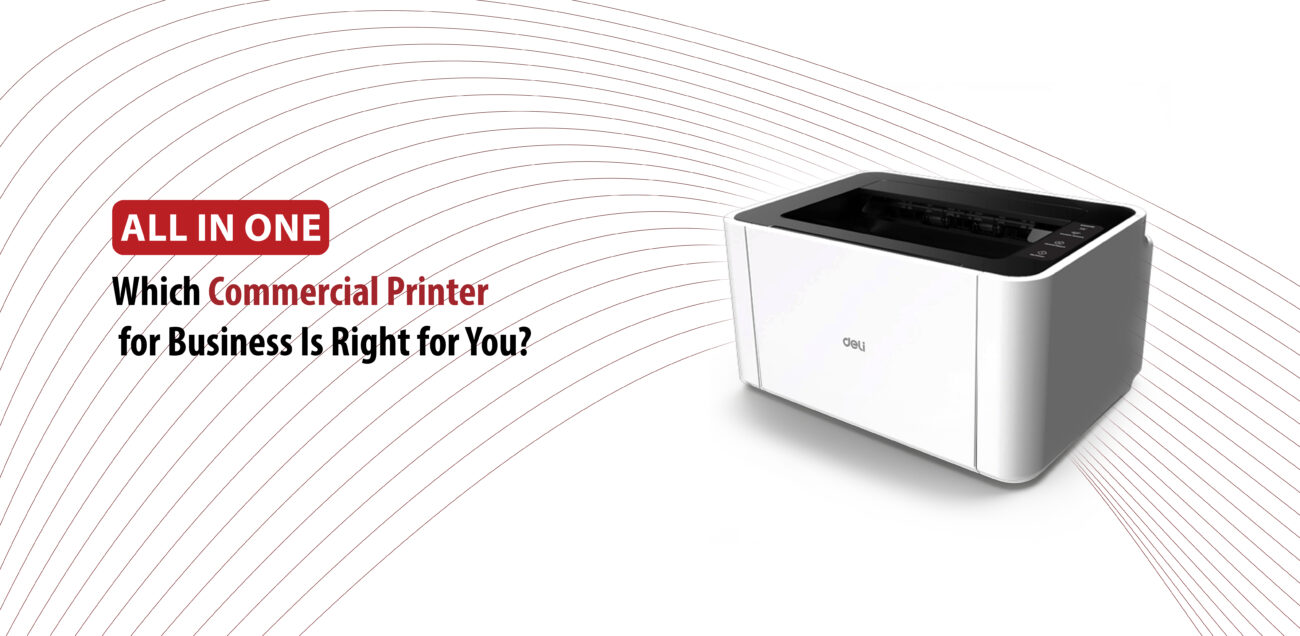
Choosing the right commercial printer for your business comes down to three things: how much you print each month, what types of documents you produce, and what your budget allows. Here’s a breakdown of the main printer types to help you decide.
Laser Printers
Best for offices that print hundreds of text documents, invoices, or reports every week.
Laser printers offer fast speeds, sharp text quality, and one of the lowest costs per page over time. Their toner cartridges last much longer than ink and won’t dry out if the printer sits idle for a while. Here are some options worth exploring:
- Compact or small office: HP Color LaserJet Pro 3201dw
- Mid-range all-in-one: Canon Color imageCLASS MF665Cdw, which handles double-sided printing and scanning reliably
- High-volume workgroup: Brother MFC-L8930CDW for larger teams with demanding print needs
Inkjet Printers
Best for businesses with lower print volumes (under 500 pages per month) or those that need high-quality color output for graphics and marketing materials.
Inkjet printers typically come at a lower upfront cost and can produce vibrant brochures and presentations. If running costs are a concern, ink tank models that use bottled ink instead of cartridges can significantly reduce your ongoing expenses. Some solid options include:
- High-volume inkjet: Epson EcoTank Pro ET-5850, which combines tank-style savings with office-grade performance
- Wide-format printing: HP OfficeJet Pro 9730e, a strong choice if you regularly print posters or large charts
Multifunction Printers (MFPs)
Best for teams of five or more that need printing, copying, scanning, and faxing all in one machine.
MFPs save office space and simplify your workflow by bringing everything into a single device. Many modern models also support cloud scanning and automated document sorting, which can make a real difference in day-to-day efficiency.
For heavy-duty networked environments, Lexmark Enterprise MFPs are worth a look. For scalable workgroup setups, HP Commercial Printers offer a wide range of options.
A Few Final Things to Check Before You Buy
- Cost per page: Don’t focus on the printer price alone. Check the cost of replacement toner or ink and divide by the page yield to get a true picture of long-term costs.
- Monthly duty cycle: Make sure the printer can handle your average output. Consistently pushing a printer past its rated capacity will shorten its lifespan.
- Connectivity and security: Look for Wi-Fi Direct, cloud printing support, and user authentication features to keep your team productive and your data protected
The right business printer is out there. It just comes down to knowing your team size, your monthly volume, and what matters most: speed, color, or cost. Use this guide as your reference, match your needs to the right option, and you’ll make a decision you won’t have to second-guess.