

Blog
How to Choose a Barcode Scanner

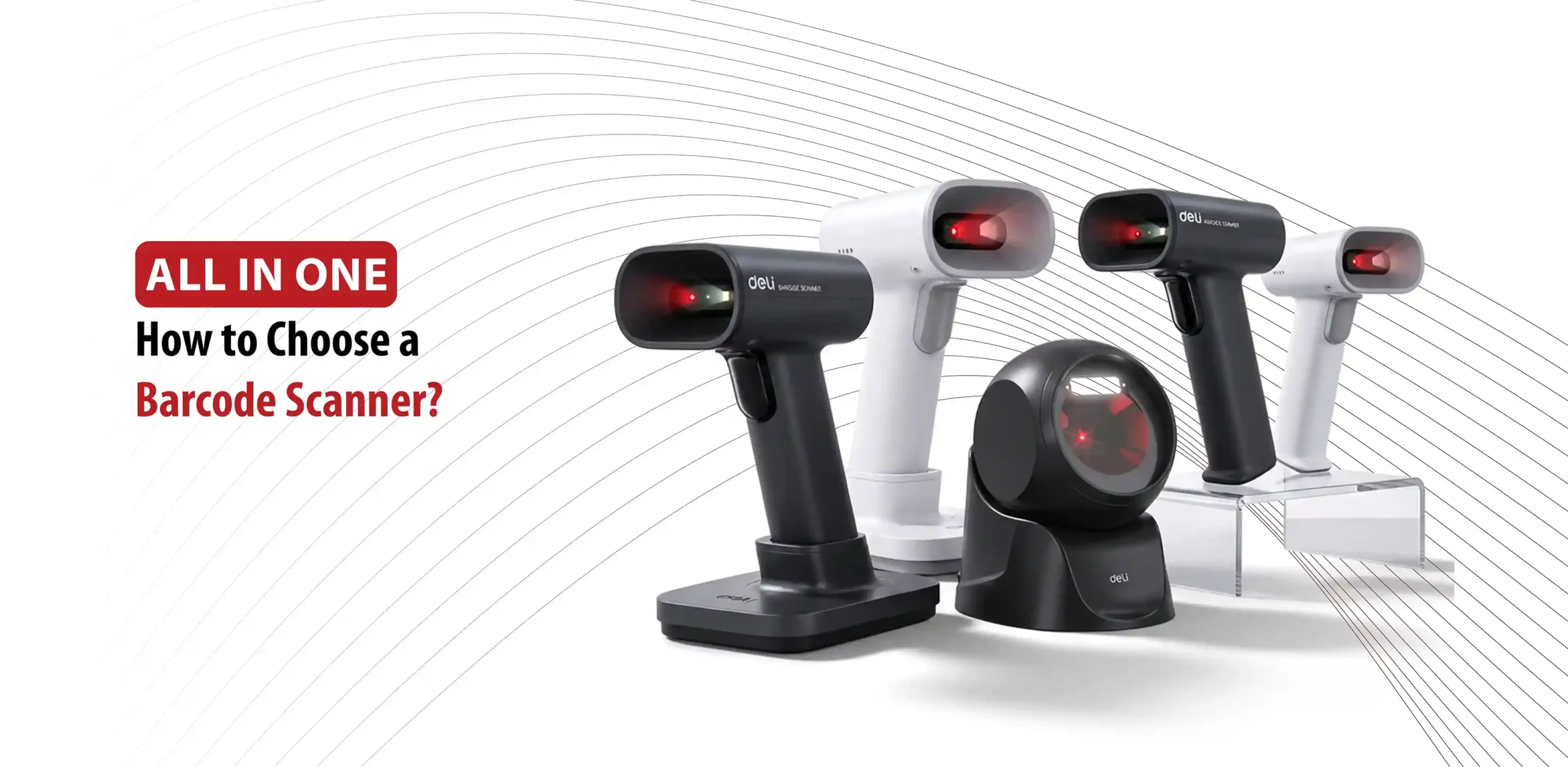
The best barcode scanner isn’t necessarily the fastest or most advanced one, it is the one that fits how and where your business actually scans products.
A barcode scanner helps businesses quickly capture product information from barcodes instead of entering it manually. However, not all scanners are designed for the same environment. For example, a small retail counter may need something different from a warehouse that handles large volumes of inventory.
The right choice depends on:
- Barcode type
- Scanning volume
- Handheld vs Desktop design
- Wired vs Wireless connection
- Speed and accuracy
- Compatibility with POS or inventory systems
In this guide from All in One, you’ll understand everything you need to know about choosing the right barcode scanner.
What to Consider When Choosing a Barcode Scanner
Before buying a barcode scanner businesses should consider:
Type of Barcode
1D barcodes are traditional linear barcodes commonly found on many products, while 2D barcodes include formats such as QR codes and can store more information. If your business only uses standard 1D barcodes, a 1D scanner may be sufficient. If you need to scan both 1D and 2D codes, choose a scanner that supports both.
Where Scanning Happens
The right barcode scanner depends on where the scanning happens.
- Retail environments: At a busy checkout counter, a desktop scanner may be convenient because it sits flat on the counter, allowing cashiers to quickly slide items past the laser hands free. Choosing the right barcode scanner for retail setups ensures faster customer turnovers and shorter lines.
- Storage environments: A barcode scanner for inventory may need to be moved between shelves, boxes, and storage areas, making a handheld barcode scanner more practical.
Scanning Volume
The number of items you scan each day should also influence your choice. A business that scans only a few products occasionally may not need the same level of performance as a busy retail store or warehouse processing hundreds or thousands of items. For high volume scanning, look for a scanner that offers fast and reliable scanning to help employees process products efficiently.
Wired or Wireless Connection
When looking for the right barcode scanner, consider how much freedom of movement you need. Wired barcode scanners, commonly connected through USB, are suitable for fixed workstations such as checkout counters. Wireless barcode scanners allow employees to move around while scanning, which can be useful for inventory and warehouse tasks. Your choice depends on whether the scanner will stay in one place or needs to be moved around the workspace.
Software and System Compatibility
Before buying a scanner, make sure that it can work with the systems your business already uses. A barcode scanner may need to connect to a POS system, inventory management software, computer, or other business system. Check the scanner’s supported connection method and compatibility to make sure the barcode data can be transferred correctly and used by your existing setup.
1D vs 2D Barcode Scanner
1D Barcode Scanner
A 1D barcode scanner reads traditional linear lines, stores information through bars and spaces, they need careful aiming from left to right in a straight line. 1D scanners are common in many retail places. They are suitable when the business only needs to scan 1D product barcodes.
2D Barcode Scanner
A 2D barcode scanner reads matrix patterns like QR codes and Data Matrix symbols, and stores information in two dimensions. 2D image scanners use omnidirectional reading, which means they can scan from any angle. They can read printed labels and digital screens with ease. A 2D scanner can generally read both 1D and 2D barcodes, making it useful when a business handles different barcode formats.
The appropriate choice depends on the barcodes the business actually needs to scan.
So if your business uses more than one barcode format, choosing a scanner with broader scanning capability can help avoid limitations later.
Handheld vs Desktop Barcode Scanners
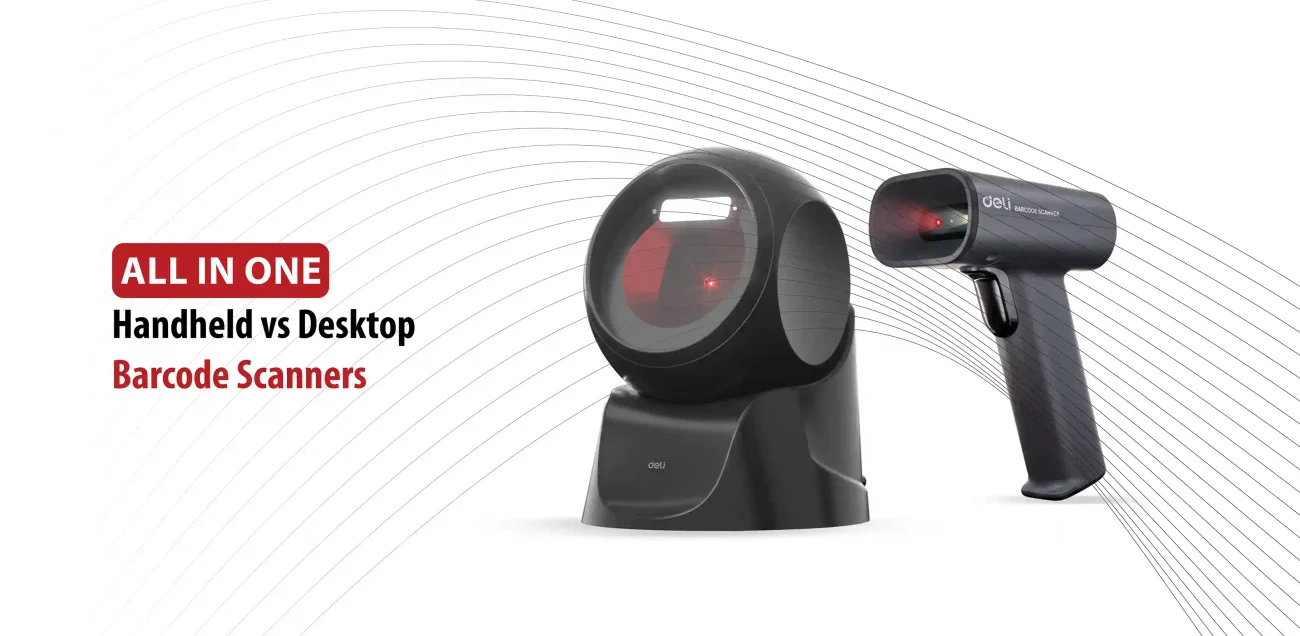
Choosing between a handheld barcode scanner and a desktop barcode scanner depends on your specific workspace, product size, and speed requirements.
Handheld Barcode Scanner
Handheld scanners are portable devices that you pick up, point at a barcode, and trigger manually.
- Flexibility: You can move around and scan large, and heavy items that cannot fit on the counter.
- Mobility: Many models offer wireless connectivity, making it easier to walk around a storage room or a warehouse to scan products.
- Versatility: They handle different angles and distances well when adjusted by the user, allowing you to scan barcodes without needing to adjust the product.
- Drawbacks: They require manual pressing, which can cause hand fatigue during long shifts. They are also easier to drop.
Desktop Barcode Scanner
Desktop scanners, also called presentation or hands free scanners, sit stationary on a desk or counter.
- Hands-free speed: You simply bring the barcode to the scanner rather than holding the scanner each time.
- Omnidirectional Reading: They capture barcodes from multiple angles automatically, meaning you do not have to line up the barcode precisely.
- High Throughout: They excel at fast, continuous scanning for busy checkout lines.
- Drawbacks: They lack mobility. You must bring the item to the scanner, making them insufficient for large or heavy objects.
Wired vs Wireless Barcode Scanners
For a checkout counter where the scanner rarely moves, a wired model may be all you need. For inventory work across shelves or storage areas, wireless can provide more freedom.
Wired Barcode Scanner
- Setup: Connect directly to the computer/POS system, commonly through USB.
- Power: Draw continuous power directly from the host device, requiring no batteries or charging.
- Cost: Generally more affordable with a lower total cost of ownership.
- Best use cases: Fixed cash registers, retail checkout lanes, and single process manufacturing lines.
Wireless Barcode Scanner
- Features: Allows the operator to move around while scanning and often includes offline batch storage to save scans when out of range.
- Connectivity: Connects via Bluetooth or 2.4 GHz radio frequencies, allowing freedom of movement up to hundreds of feet away.
- Best use cases: Useful for warehouses, stockrooms, inventory counts, or larger work areas.
- Drawbacks: Requires constant battery recharging and costs more upfront.
Barcode Scanning Speed and Accuracy
Scanning speed matters especially in high volume environments. Retail checkout may require quick consecutive scans. Inventory teams may also benefit from fast scanning when processing a large number of products.
Another important aspect is accuracy, which is just as essential as speed. A scanner that requires repeated attempts can slow down employees even if its advertised scan speed is high.
Try to check the scanner’s performance with different barcode conditions like:
- Damaged labels
- Poorly printed barcodes
- Different distances
- Varying barcode sizes
In summary, speed and reliable first attempt scanning is more useful than focusing only on a technical speed figure.
Barcode Scanner Compatibility and Connectivity
Before choosing a barcode scanner, check how it connects to your existing setup. Wired scanners commonly use USB connections and can be suitable for computers and fixed POS workstations. Wireless barcode scanners may use Bluetooth or another wireless connection, giving users more freedom to move around while scanning. It is also important to check whether the scanner is compatible with your computer, POS system, inventory software, or other equipment. Most barcode scanners send the scanned barcode data directly to the connected system, but connection and compatibility can vary between models. Always check the product specifications before purchasing to make sure the scanner fits your current setup.
All in One offers Deli barcode scanners with different designs and connection options, allowing businesses to choose a model based on how and where they plan to scan.
Which Barcode Scanner Is Right for Your Business?
The right barcode scanner depends on how your business handles products and where
scanning takes place. For retail stores and POC counters, look for a scanner that provides quick, reliable scanning and convenient connectivity, with a desktop or handheld design depending on your setup. For inventory and warehouse tasks, a handheld barcode scanner can provide greater mobility, while wireless connectivity can be useful when employees need to move between shelves and storage areas. Businesses with fixed workstations may prefer a desktop barcode scanner with a wired connection. If you work with different barcode formats, consider a 2D scanner that can read both 1D and 2D codes. Ultimately, choose a scanner based on your daily workflow, scanning needs, and existing setup.
Conclusion
Choosing the right barcode scanner comes down to understanding your business’s daily scanning needs. Consider the barcode types you use, scanning volume, work environment, speed, accuracy, connectivity, and system compatibility. Whether you need the mobility of a handheld scanner or the convenience of a desktop model, the right choice can make everyday operations faster and easier. Explore All in One’s barcode scanners to find a solution that fits your business.