

Blog
What Is Cloud Printing and How Does It Work

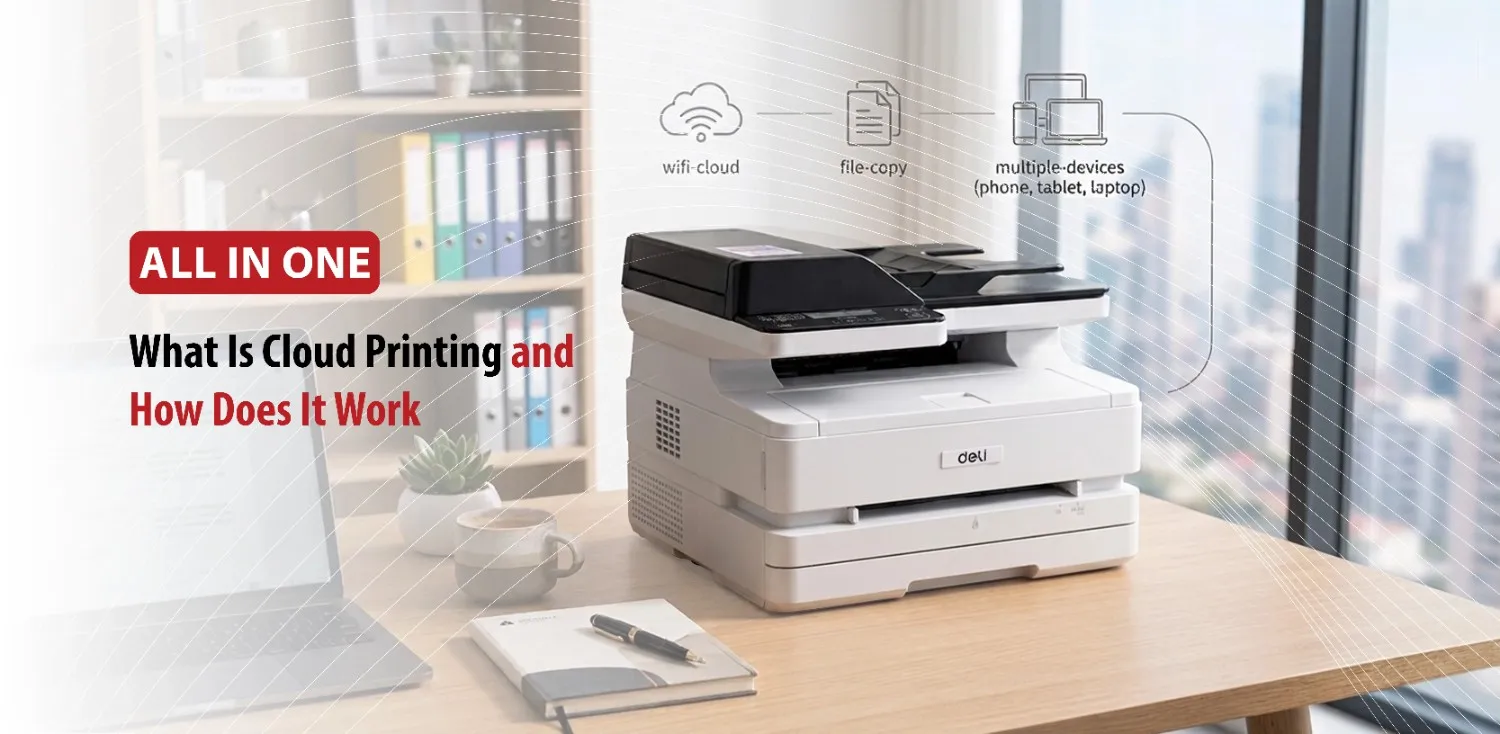
Printing has come a long way from needing a computer, a USB cable, and a nearby printer. It doesn’t even require everyone to be on the same internet connection. Nowadays, people want the flexibility to print from their smartphones, laptops, or tablets without being tied to a specific location. This is where cloud printing comes in. By using an internet connection instead of a direct physical connection, cloud printing allows users to send print jobs to compatible printers from virtually anywhere.
Whether you’re working remotely, from an office, or simply printing a document from your phone at home. Cloud printing makes the printing process much easier. To understand why cloud printing has become so popular, it’s important to first know what it actually is.
What Is Cloud Printing?
Cloud Printing is a technology that lets you send documents to a printer over the internet using a user device, a cloud print service, and a cloud connected printer. Documents are sent through cloud services to printers connected to the internet. This eliminated the need for physical cables, local networks, or complex printer driver installations. Users can print from multiple devices such as laptops, desktops, smartphones, and tablets. For cloud printing, the printer itself usually needs internet access or must be connected to a computer acting as a bridge. Cloud printing differs from traditional wireless printing because it works over the internet rather than requiring everyone to be on the same Wi-Fi network, and it doesn’t need a USB connection.
Now that the basic concept is clear, the next question is how cloud printing actually delivers documents to a printer.
How Does Cloud Printing Work?
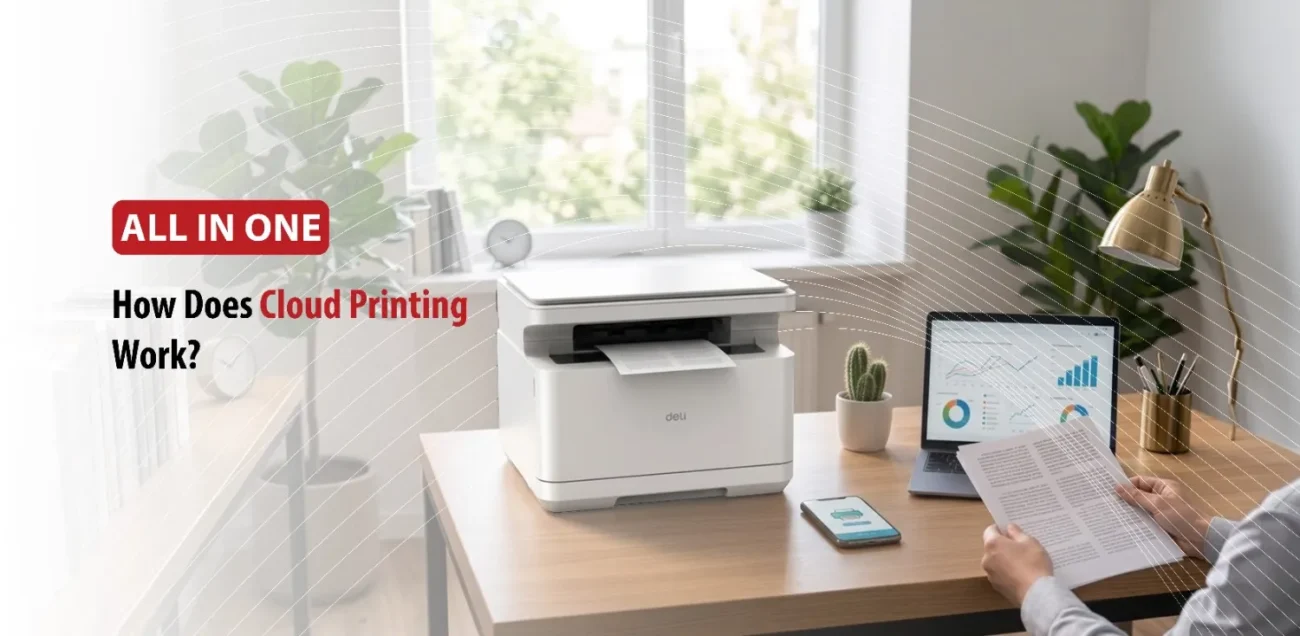
Cloud printing can sound complex, but the process is actually easier than expected. Cloud printing works by routing a print job over the internet through a central online server instead of using a direct cable or local Wi-Fi network. The core steps involve submission, processing, and release.
- Submit the Print Job: You select “Print” from your phone, tablet, or computer while connected to the internet. Your device encrypts the document and sends it directly to a cloud based print service rather than a local printer or office server.
- Cloud Processing and Queuing: The cloud server receives the file, checks your user permissions, and matches the document format to the correct printer driver. It then holds the job safely in an online queue until it is ready to be printed.
- Forwarding and Release: When you are close to the target printer, you authenticate your identity (using a PIN, app scan, ID badge). The cloud service then sends the encrypted file to that specific internet connected printer, which outputs your hard copy.
Many manufacturers offer their own cloud printing platforms, allowing users to register printers, manage print queues, and print remotely.
Print jobs are usually encrypted during transmission and require authentication to reduce unauthorized access.
Understanding the process makes it easier to see why many individuals and businesses are choosing cloud printing over traditional methods.
Benefits of Cloud Printing
Cloud printing has become increasingly popular because it offers practical advantages that go beyond convenience. It helps people work more efficiently while making printing accessible from almost anywhere.
Print from Anywhere
One of the biggest benefits is remote printing. Users can print from nearly everywhere, whether they’re in another room, another office, or even another city. This is useful for employees who work remotely, business travelers, or family members who need to print documents before arriving at home.
Improved Convenience
Cloud printing removes many of the limitations associated with traditional printing. Users no longer need to transfer files using USB drives or connect directly to printers. Instead they can print directly from cloud storage, email, or mobile applications with just a few taps.
Better Collaboration
Businesses often have employees working from different locations. Cloud printing allows team members to print shared documents without being physically present in the same office.
Schools can use cloud printing to make assignments more accessible, while healthcare facilities and organizations with multiple branches can simplify document distribution across different locations.
Easier Printer Management
For business owners, cloud printing can simplify printer administration. Many cloud platforms allow printer administrators to monitor printer status, manage user permissions, update settings remotely, and track print activity from a centralized dashboard.
This can reduce maintenance time and improve the overall efficiency of office printing environments.
While cloud printing offers many advantages, it is still important to remember that it depends on a reliable internet connection and compatible hardware. Choosing trusted cloud services and maintaining secure user accounts helps ensure a safe and dependable printing experience.
Before switching to cloud printing, you should understand how to set it up and when it makes more sense.
How to Get Started with Cloud Printing
Setting up cloud printing is usually straightforward, especially with newer printers that include built in cloud connectivity.
Check Printer Compatibility
The first step is making sure that your printer supports cloud printing features. Many modern laser and inkjet printers include this feature, while older models may require additional software or connection through a computer.
Connect Your Printer
After confirming compatibility, connect your printer to your Wi-Fi network and complete the initial setup. Most manufacturers guide users through registering the printer with their cloud service, allowing it to receive print jobs over the internet.
Install the Required App
Next, install the recommended application on your computer, smartphone, or tablet. These apps typically allow users to add printers, manage settings, monitor print jobs, and send documents directly from their devices.
Following the manufacturer’s instructions helps ensure that all features function correctly.
Test Your First Print
Before relying on cloud printing for everyday tasks, it’s a good idea to print a simple document to test it. This will confirm that the printer, cloud service, and connected devices are communicating properly and that the setup has been completed successfully.
Best Practices
To get the most out of cloud printing, keep your printer’s firmware updated and use strong passwords for your cloud account. It’s also wise to review permissions regularly, especially in shared office environments, and remove completed print jobs when they are no longer needed.
These simple habits improve both security and overall performance.
Conclusion
Cloud printing has transformed the way people print by making documents accessible from almost anywhere with an internet connection. Instead of relying solely on cables or local networks, users can send print jobs securely from computers, smartphones, and tablets to compatible printers wherever they are.
As remote work, mobile devices, and cloud based applications continue to shape modern workflows, cloud printing offers a practical combination of flexibility, convenience, and efficiency. Whether you’re a home user looking for easier mobile printing or a business aiming to streamline operations across multiple locations, adopting cloud printing can simplify everyday printing while supporting a more connected way of working.