

Blog
How to Refill the Ink Cartridge in Your Printer Yourself

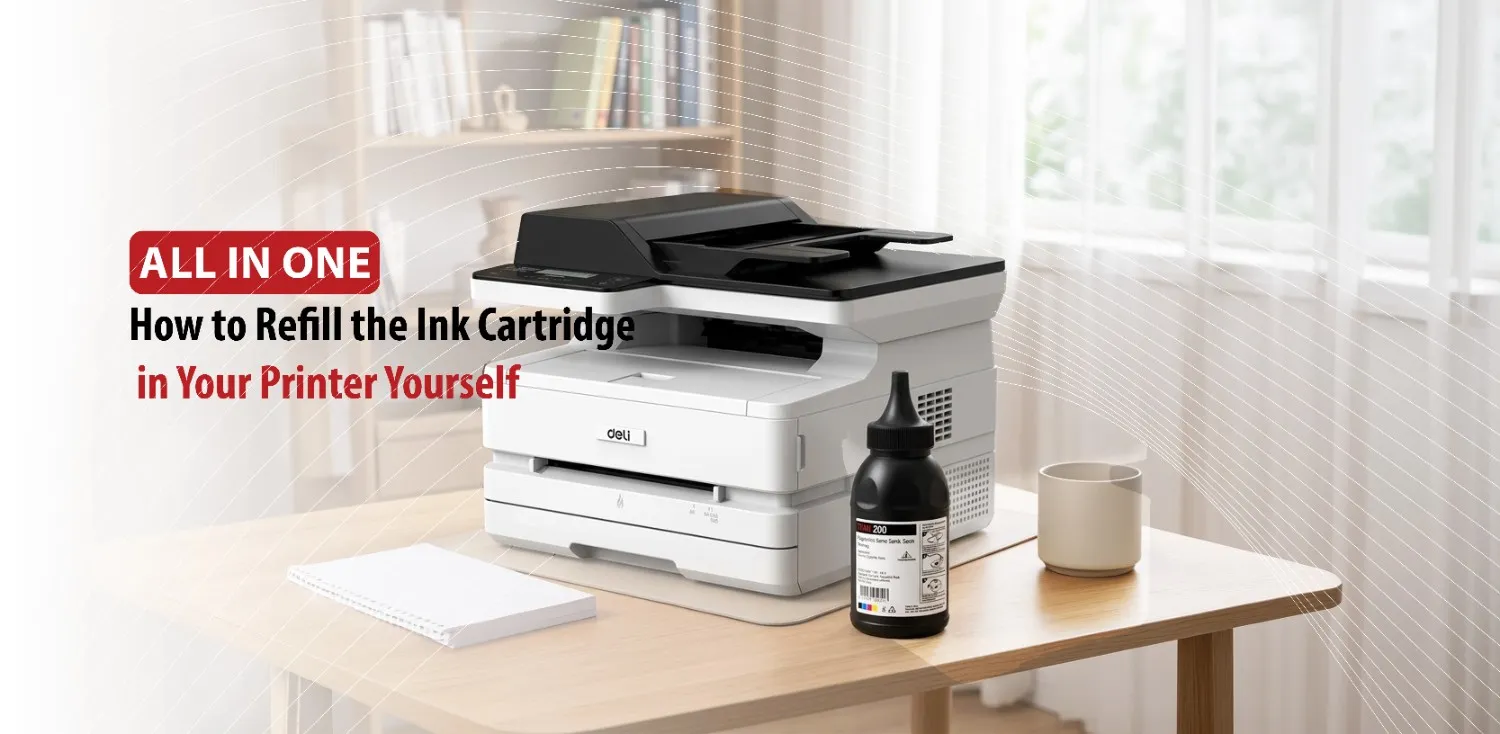
Printer ink is one of the most significant ongoing costs of owning a printer, especially if you print frequently for work, school, or personal projects. While replacing an empty ink cartridge is the most common solution, many cartridges can actually be refilled several times before needing to be replaced immediately. Refilling your own ink cartridge can help reduce printing expenses and minimize waste, making it both a budget friendly and environmentally conscious choice.
Although the process is relatively simple, it requires patience, the correct refill ink, and careful handling to avoid leaks or damage. Understanding how to refill an ink cartridge properly can help you maintain consistent print quality while extending the cartridge’s usable life.
Before adding new ink, it’s important to understand whether your cartridge is suitable for refilling and to gather everything you’ll need.
Check Whether Your Ink Cartridge Can Be Refilled
Not every cartridge is designed to be refilled. Some manufacturers produce cartridges intended for single use, while others can safely be refilled multiple times before their performance begins to decline. Knowing which type of cartridge you have is the first step toward a successful refill.
Identify Your Cartridge Type
Printer cartridges come in several different designs. Standard and high-yield ink cartridges are among the most common, and many of them can be refilled using compatible ink. Some cartridges include an integrated printhead, meaning the printhead is built into the cartridge itself. These can often be refilled, but repeated use may eventually wear out the printhead.
Ink tank printers work in a different way. Instead of replacing individual cartridges, these printers use refillable ink reservoirs that are specifically designed for ease of replacement.
Checking the primer model or cartridge number helps you determine compatibility.
Know When a Cartridge Should Be Replaced Instead
Refilling cannot fix every printing problem. If the cartridge has visible cracks, a damaged printhead, or persistent clogging that cleaning cannot resolve, replacing it is usually the better option. Some cartridges also contain electronic chips that monitor ink usage. Even after refilling, these chips may continue to display a low ink warning or eventually prevent the cartridge from functioning correctly.
Gather the Required Supplies
Having the right supplies before you begin makes the process much easier. Most refill kits include compatible ink, a syringe or refill bottle, protective gloves, and instructions. You may also need paper towels, a plastic sheet or newspaper to protect your work surface, and a small tool for opening the refill hole if your cartridge doesn’t already have one. Preparing your workplace beforehand helps prevent spills and keeps the refill process organized.
Once you’ve confirmed that the cartridge is refillable and prepared your workspace, you can begin the refilling process.
Step-by-Step Guide to Refilling an Ink Cartridge
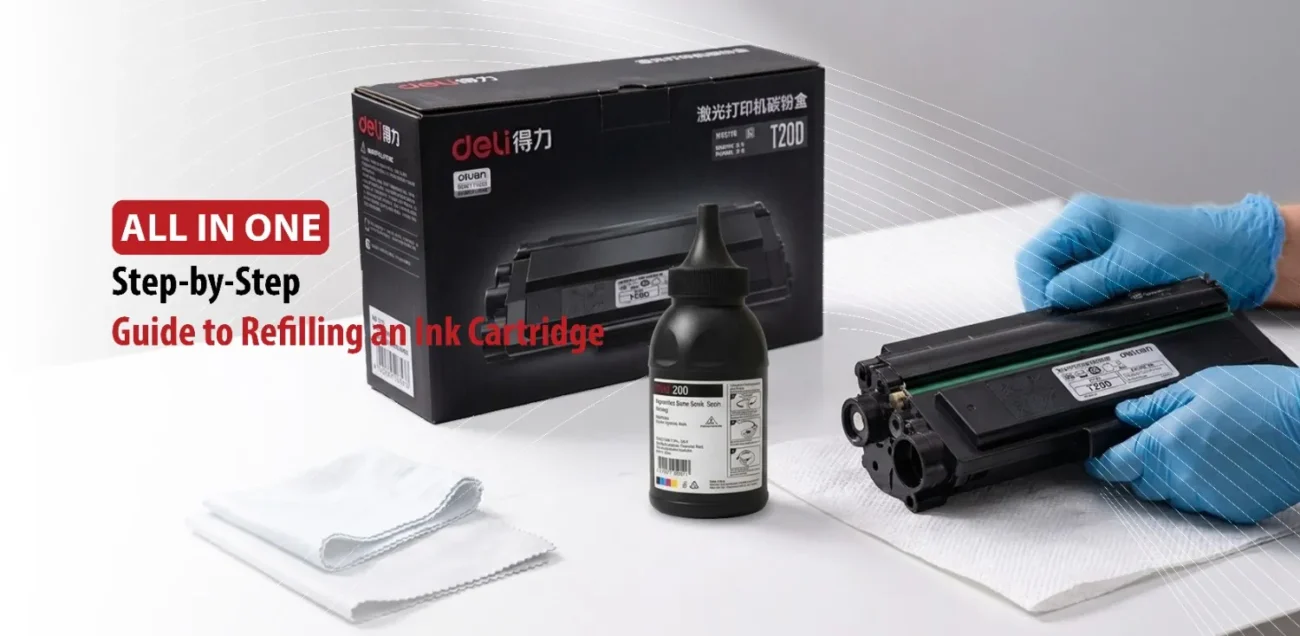
While the exact steps vary slightly between printer brands, the overall process remains the same for most ink cartridges. Taking your time during each step helps reduce the risk of leaks and improve the final print quality.
Remove the Cartridge Safely
First of all, turn off the printer and open the cartridge access cover. Wait until the cartridge holder stops moving before carefully removing the cartridge. Avoid touching the electrical contacts or the printhead, as oils from your fingers can interfere with electrical connections or ink flow.
Place the cartridge on a protected work surface with paper towels underneath to catch any accidental drips.
Locate the Ink Refill Opening
Many cartridges have refill holes hidden beneath the top label, while others are sealed with removable rubber plugs. Some cartridge models require creating a small opening using the tool included in the refill kit.
It’s important to identify the correct refill location before inserting the syringe. Puncturing the wrong area may damage the internal sponge that stores the ink, reducing the cartridge’s performance.
Inject the Ink Slowly
Fill the syringe with the appropriate ink color and carefully insert the needle into the refill opening. Slowly inject the ink into the cartridge instead of forcing it in too quickly. Filling too rapidly can trap air inside the cartridge or cause ink to overflow.
Stop adding ink once the cartridge reaches its recommended capacity. Overfilling increases the likelihood of leaks and that can negatively affect print quality.
Seal and Clean the Cartridge
After refilling replace any rubber plugs or seal the refill hole if necessary. Wipe away excessive ink using a paper towel. If ink has reached the printhead area, gently clean it without applying excessive pressure.
Keeping the cartridge clean before reinstalling it helps prevent smudges and improves printer performance.
Reinstall the Cartridge
Place the cartridge back into the printer and close the access cover securely. Turn the printer on and allow it to recognize the cartridge. Running a nozzle cleaning cycle or printhead cleaning function helps circulate the new ink throughout the cartridge.
Printing a test page afterward allows you to confirm that colors appear correctly and that the cartridge is functioning properly.
Printing a test page afterward allows you to confirm that colors appear correctly and that the cartridge is functioning properly.
Although refilling is straightforward, a few common mistakes can reduce print quality or even damage the cartridge.
Common Mistakes to Avoid When Refilling Ink Cartridges
Most refill related problems result from avoidable errors rather than faulty cartridges. Understanding these mistakes can help you achieve better results and protect your printer.
Using the Wrong Type of Ink
Different printer manufacturers often recommend specific ink formulations. Dye based ink and pigment based ink behave differently, and using the wrong type can affect print quality, clog the printhead, or reduce color accuracy. Always choose refill ink that is compatible with both your printer model and cartridge type.
Overfilling the Cartridge
Adding more ink than the cartridge is designed to hold creates excess pressure inside the cartridge. This can cause ink leaks, and stained paper. Refilling only to the recommended level helps maintain proper ink flow.
Touching Sensitive Components
The printhead and electrical contacts are delicate parts of the cartridge. Touching them with your fingers can leave oils or dirt behind, leading to poor electrical connections or printing issues. Handle cartridges by their sides whenever possible.
Ignoring Air Bubbles
Air trapped inside the cartridge can interrupt the flow of ink to the printhead, resulting in faded colors, streaks, or missing lines on printed pages. Adding ink slowly and avoid sudden movements helps minimize trapped air.
Skipping Printer Maintenance
After refilling, it’s important to perform the printer’s built in maintenance functions, including printhead cleaning, nozzle checks, and alignment if recommended. After doing these steps, print a test page to check the printer.
Following these best practices not only improves print quality but also helps determine whether refilling is the right long term solution.
Is Refilling Ink Cartridges Worth It?
Sometimes refilling ink cartridges isn’t always the perfect solution for every printer or every user.
Benefits of Refilling Cartridges
For many users, the biggest advantage is cost savings. Purchasing refill ink is often significantly less expensive than buying brand new cartridges. Refilling also reduces electronic waste by allowing cartridges to be reused instead of discarded after one use.
Home users, students, and small offices that print regularly may find refilling especially economical over time. When performed correctly, a refilled cartridge can continue producing high quality prints for several refill cycles.
Potential Drawbacks
Refilling can sometimes be messy, particularly for first time users. It also requires extra time and careful handling. Some printers may continue displaying low ink warnings because the cartridge’s electronic chip isn’t reset during the refill process.
Additionally, repeated refilling eventually wears out the cartridge’s internal components, reducing print quality.
When Buying a New Cartridge Is the Better Choice
Eventually, every cartridge reaches the end of its lifespan. If the printhead has failed, the cartridge leaks, or repeated cleaning and refilling no longer restore acceptable print quality, replacing it with a new cartridge is the most reliable solution. Businesses or professionals who depend on consistently sharp, high quality printing may also prefer new cartridges to minimize interruptions.
Conclusion
Overall, learning how to refill your printer’s ink cartridge yourself can be a practical way to reduce printing costs and extend the life of your supplies. By choosing compatible ink, following the correct refill procedure, and maintaining the cartridge afterward, many users can continue producing reliable prints while getting more value from each cartridge. Although every cartridge will eventually need replacing, careful refilling allows you to make the most of each one before that time comes.